Introduction
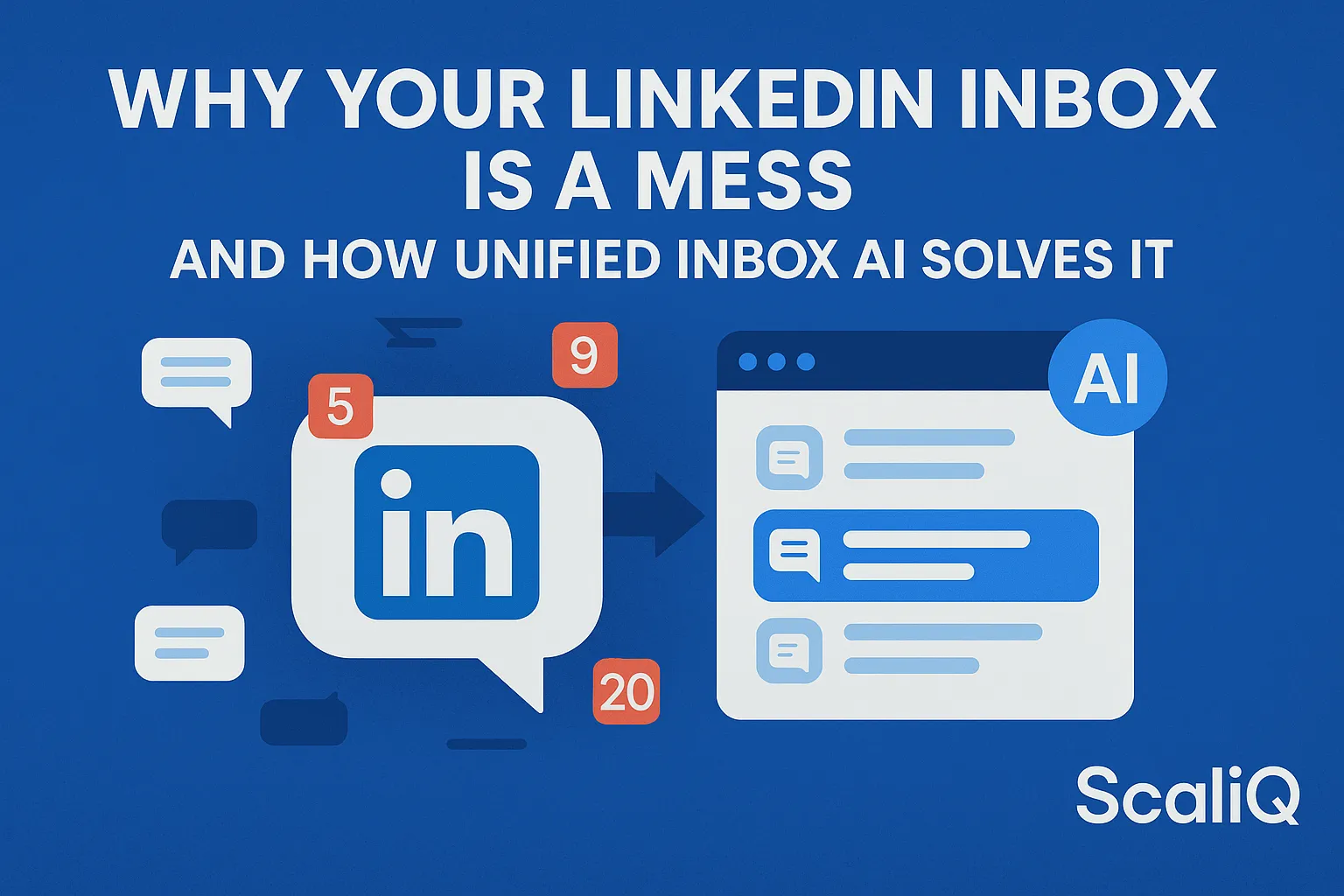
If you open your LinkedIn inbox right now, what do you see? Ideally, you would see a prioritized list of high-value leads, urgent client queries, and potential partnership opportunities. In reality, you likely see a chaotic mix of automated sales pitches, "Happy Birthday" notifications, buried conversations, and unread messages from three weeks ago.
For casual users, this clutter is annoying. For power users, social sellers, and agencies managing multiple accounts, it is a business liability. Every lost message represents a missed revenue opportunity or a damaged client relationship.
The native LinkedIn interface was designed for social connectivity, not high-volume professional workflow management. This disconnect has given rise to LinkedIn unified inbox AI—a technological solution designed to overlay order onto the platform's inherent chaos.
In this guide, we will dismantle why LinkedIn messaging is so difficult to manage at scale and how AI-driven unified inboxes provide the clarity that manual sorting cannot. Drawing from ScaliQ’s extensive experience managing hundreds of inboxes across agency teams, we will explore practical steps to reclaim control of your communications.
Why LinkedIn Inboxes Become Unmanageable
The feeling of being overwhelmed by your LinkedIn inbox is not a personal failure of organization; it is a systemic issue related to how the platform handles communication volume. As your network grows, the noise-to-signal ratio drastically increases, leading to "inbox fatigue."
This phenomenon is well-documented in academic research. According to a study by Liberty University on workplace communication overload, the sheer volume of digital inputs professionals receive daily significantly hampers cognitive processing and decision-making capabilities. When you apply this to LinkedIn—where a "message" can be anything from a genuine lead to a generic newsletter—the mental load required to filter content becomes unsustainable.
Furthermore, research from the University of Sussex on digital overload suggests that multitasking across fragmented digital channels reduces productivity and increases stress. LinkedIn exacerbates this by mixing personal notifications with professional correspondence in a single, unthreaded stream.
Hidden Causes of LinkedIn Message Chaos
To fix the problem, you must first identify the hidden friction points. The chaos is often caused by:
• Algorithmic Notification Injection: LinkedIn often inserts "suggested" replies or "job anniversary" prompts directly into the message feed, pushing actual conversations down the list.
• Lack of Folders: Unlike email, LinkedIn provides no native way to create folders or meaningful tags to segregate "Leads" from "Networking."
• Buried Replies: If you manage a high volume of outreach, a reply from a prospect three weeks later often gets lost behind 50 newer, less important messages.
• The "Unread" Trap: Once you click a message to "mark as read" just to clear the notification, it disappears into the history stack, often never to be seen again.
How Message Volume Scales for Power Users and Agencies
The problem shifts from "annoying" to "critical" when you scale. Consider an agency team responsible for managing 20 to 200 client inboxes.
• Login Friction: Switching between accounts triggers security checks and 2FA requests, wasting hours per week.
• Context Switching: A team member might jump from a CEO’s profile to a Sales Director’s profile, losing track of the specific tone or deal stage required for each conversation.
• Fragmentation: Without a centralized view, there is no way to see if a prospect has been contacted by multiple accounts simultaneously, leading to embarrassing overlaps.
What a LinkedIn Unified Inbox Actually Does
A LinkedIn unified inbox is a third-party software layer that consolidates messaging streams from one or multiple LinkedIn accounts into a single, organized interface. Think of it as applying an "email client" structure (like Outlook or Gmail) to your LinkedIn messages.
Instead of logging into LinkedIn.com and fighting the algorithmic feed, you log into a dedicated dashboard that syncs your messages via API or secure browser integration. This allows for centralized tracking, tagging, and responding without the distractions of the social news feed.
One Dashboard for All LinkedIn Messages
The primary benefit of a unified inbox is consolidation. You can view, filter, and reply to messages from Profile A, Profile B, and Profile C within the same window. This eliminates the need for incognito tabs or constant logging in and out.
By centralizing communication, you gain a high-level view of your outreach performance. You can instantly see which accounts have unread messages and which leads require immediate follow-up.
https://scaliq.ai/#features
Built‑In Team Collaboration & Shared Workflows
Native LinkedIn is built for individuals; unified inboxes are built for teams.
• Delegation: A manager can assign a specific conversation to a team member without sharing the underlying LinkedIn password.
• Internal Notes: Team members can leave private notes on a conversation (e.g., "Client is interested, follow up on Tuesday") that are invisible to the prospect.
• Status Tracking: Conversations can be moved through custom pipelines (e.g., "New," "Replied," "Meeting Booked"), a feature completely absent in the native LinkedIn interface.
How AI Fixes Message Overload and Prioritization
While a unified dashboard solves the logistical problem of access, AI solves the cognitive problem of prioritization. LinkedIn unified inbox AI acts as an intelligent layer that reads, sorts, and flags messages before you even look at them.
Research on large-scale notification systems highlights the necessity of machine learning to predict user intent and filter noise. Modern unified inboxes apply similar principles specifically to LinkedIn messaging data.
AI Message Categorization & Intent Detection
Standard inboxes treat all messages equally. AI-driven inboxes analyze the semantic content of incoming messages to categorize them automatically.
• Positive Intent (Lead): "I'd love to hear more about your pricing." → Tagged as Lead.
• Negative Intent (Not Interested): "Please remove me from your list." → Tagged as Do Not Contact.
• Scheduling: "Are you free next Tuesday?" → Tagged as Scheduling.
• Noise: "Congrats on the work anniversary!" → Tagged as Low Priority/Spam.
This auto-categorization allows you to focus 100% of your energy on the "Positive Intent" bucket, drastically increasing ROI per hour spent.
AI-Powered Priority Flags & Smart Queues
AI helps build "Smart Queues." Instead of a chronological list (where the newest message is at the top), AI rearranges the inbox based on priority. A high-value lead who replied 3 hours ago will be pinned to the top, while a generic sales pitch received 5 minutes ago is deprioritized. This ensures that revenue-generating conversations are never buried by chronological noise.
Automated Tagging, Suggested Replies & Draft Generation
Beyond sorting, AI accelerates the response process.
• Draft Generation: Based on the context of the received message and your previous conversation history, the AI can suggest a contextual reply.
• Sentiment Tagging: Messages are automatically tagged with sentiment scores, allowing managers to quickly audit "Angry" or "Happy" responses across client accounts.
• CRM Syncing: When AI detects a "Meeting Booked" intent, it can automatically trigger a sync to your external CRM, reducing manual data entry.
Managing Multiple LinkedIn Accounts in One Dashboard
For agencies and enterprise sales teams, managing multiple accounts is the single biggest bottleneck in social selling. The native platform actively discourages multi-account management through strict security protocols and lack of account-switching features.
Seamless Account Switching Without Logging In/Out
A unified inbox creates a secure bridge to multiple accounts. Once an account is connected (typically via a secure session cookie or API token), it remains active in the dashboard.
• Productivity Gain: Users can toggle between "Client A" and "Client B" in milliseconds.
• Reduced Security Flags: Constant IP switching and login attempts trigger LinkedIn’s automated restriction algorithms. Maintaining a stable session through a unified tool reduces the risk of accounts being temporarily locked.
Team-Based Permissions, Roles & Shared Ownership
Security is paramount when handling client data. Unified inboxes allow for granular permission settings.
• Role-Based Access: You can grant a junior copywriter access to draft messages but require a manager’s approval to send them.
• Client Visibility: Agencies can give clients "View Only" access to their own inbox dashboard, allowing them to see the work being done without interfering with the workflow.
• Audit Logs: Every action—message sent, tag changed, note added—is logged, providing accountability. This is a standard practice at ScaliQ, where we manage hundreds of accounts for agencies, ensuring total transparency.
CRM-Style Tracking for Leads and Clients
Treating LinkedIn like a CRM is essential for scale. A unified dashboard allows you to view a "Lead Timeline"—seeing every interaction a prospect has had with any of your managed accounts. This cross-account visibility prevents the embarrassment of two different sales reps pitching the same person on the same day.
Comparing Unified Inbox Options and LinkedIn-Specific Tools
Not all "social inboxes" are created equal. There is a distinct difference between general social media management tools and specialized LinkedIn solutions.
Why Generic Social Media Inboxes Fall Short for LinkedIn
Major players like Hootsuite or Sprout Social offer "Unified Inboxes," but they are primarily designed for brand pages (Facebook, Instagram, X/Twitter).
• Personal Profile Limitations: Most general tools have limited or no API access to personal LinkedIn profiles (where social selling actually happens), focusing instead on Company Pages.
• Lack of Threading: They often struggle to display long conversation histories correctly.
• No "Sales" Context: They lack the AI intent detection specific to B2B sales (e.g., distinguishing a lead from a job seeker).
What Specialized LinkedIn Inbox Tools Offer Instead
Tools built specifically for LinkedIn automation and management (like ScaliQ) prioritize the nuances of the platform.
• Deep LinkedIn Integration: They handle InMails, connection requests, and regular messages seamlessly.
• Sales-Centric AI: The AI is trained on B2B sales conversations, not general customer support tickets.
• Safety Compliance: Specialized tools are more likely to include "human behavior simulation" to keep account activity within safe limits.
https://scaliq.ai/blog
Tools & Resources for LinkedIn Inbox Management
To master your inbox, you need the right stack. Here are the categories of tools you should consider:
1. Unified Inbox & Automation Platforms: Tools that combine outreach automation with a centralized inbox (e.g., ScaliQ).
2. CRM Integrators: Tools that zap LinkedIn data directly into HubSpot or Salesforce (often included in unified inboxes).
3. Text Expanders: Simple browser extensions that allow you to insert snippets of text with shortcuts (useful if you aren't using AI drafts yet).
4. AI Writing Assistants: External tools like ChatGPT or Grammarly, though these require copy-pasting if not integrated directly into your inbox tool.
Future Trends & Expert Predictions
The future of LinkedIn inbox management is autonomous. We are moving away from "assisted" workflows toward "agentic" workflows.
• Cross-Platform Unification: We predict a convergence where LinkedIn, Email, and WhatsApp B2B conversations will live in a single "Identity-Based" inbox, tracked by the prospect's unique ID rather than the platform.
• Autonomous Negotiation: Advanced AI models will soon be trusted to handle initial scheduling and basic qualification questions without human intervention, handing off the conversation only when a meeting is confirmed.
• Collaborative Intelligence: As noted in research on collaborative overload, the future workplace requires systems that intelligently route information to the right person. In a LinkedIn context, this means AI will automatically route technical questions to a CTO’s inbox and pricing questions to a Sales Director’s inbox, regardless of which account received the message.
Conclusion
The chaos in your LinkedIn inbox is not an accident; it is the result of using a social networking interface for complex business workflows. As your volume of leads and connections grows, the native tools simply break down.
Unified Inbox AI is not just about "cleaning up" messages—it is about reclaiming the time and mental energy lost to context switching and administrative clutter. By consolidating multiple accounts, leveraging AI for intent detection, and utilizing team-based workflows, you turn a chaotic stream of notifications into a structured revenue engine.
Whether you are a solo consultant or an agency managing 200 accounts, the solution lies in moving off the native platform and into a dashboard designed for performance.
Ready to stop drowning in messages and start closing deals? Explore how ScaliQ’s unified LinkedIn inbox can streamline your entire operation today.