Introduction
For lead generation agencies, scaling is usually a simple equation: more accounts equal more volume, which equals more revenue. However, once an agency pushes past the 10-account threshold, the equation breaks. Managing 20, 30, or 50+ LinkedIn accounts introduces a layer of complexity that standard automation tools cannot handle. Suddenly, accounts get restricted, "temporarily blocked" warnings appear daily, and your entire operation grinds to a halt.
The problem isn't usually the content of your messages; it is the infrastructure delivering them. Scaling LinkedIn outreach safely requires more than just good copy; it requires distributed identities, rigorous warm-up protocols, and sophisticated session isolation. Without these, LinkedIn’s algorithms easily detect the pattern of a single entity managing dozens of profiles, flagging them as a coordinated bot network.
This guide provides the operational blueprint for agencies to run high-volume LinkedIn automation safely. We will cover the technical architecture of distributed identities, the exact warm-up schedules required for longevity, and how to leverage AI to mask automation patterns.
For agencies looking to bypass the technical headache of building this infrastructure from scratch, ScaliQ is the solution purpose-built for high-volume agency operations. It provides the dedicated environment necessary to manage 20–50+ accounts without triggering the security tripwires that plague standard tools.
Why LinkedIn Safety Breaks at Scale
When a solo consultant runs automation on a single account, they rarely encounter issues if they stay within reasonable limits. However, when an agency attempts to replicate that process across 50 accounts, the risk profile changes exponentially.
LinkedIn’s security algorithms are designed to detect "coordinated inauthentic behavior." They look for patterns that suggest multiple accounts are being operated by a single centralized system or actor. When you run 50 accounts from the same server, using similar browser fingerprints, executing actions at identical timestamps, you create a massive digital footprint.
The Agency Footprint
Most agencies fail because they unknowingly broadcast this footprint. Common mistakes include:
• Shared IP Addresses: Running multiple accounts through the same datacenter IP or VPN.
• Duplicate Device Fingerprints: logging into 20 accounts using the same browser configuration (User-Agent, screen resolution, canvas fingerprint).
• Synchronized Schedules: Having 50 accounts send connection requests at exactly 9:00 AM.
Unlike tools designed for solo users, which focus on simple task execution, agency-grade operations require tools that actively hide the relationship between accounts. According to the LinkedIn Professional Community Policies, creating false identities or using automated methods that violate user agreements are grounds for restriction. However, legitimate agencies managing real profiles for real clients must ensure their automation tools comply with technical usage limits to avoid false positives.
Furthermore, LinkedIn automated detection guidelines suggest that repetitive, high-volume activity is the primary trigger for account reviews. At scale, "high volume" is the default state, making advanced obfuscation necessary.
Essential Infrastructure for Multi‑Account Protection
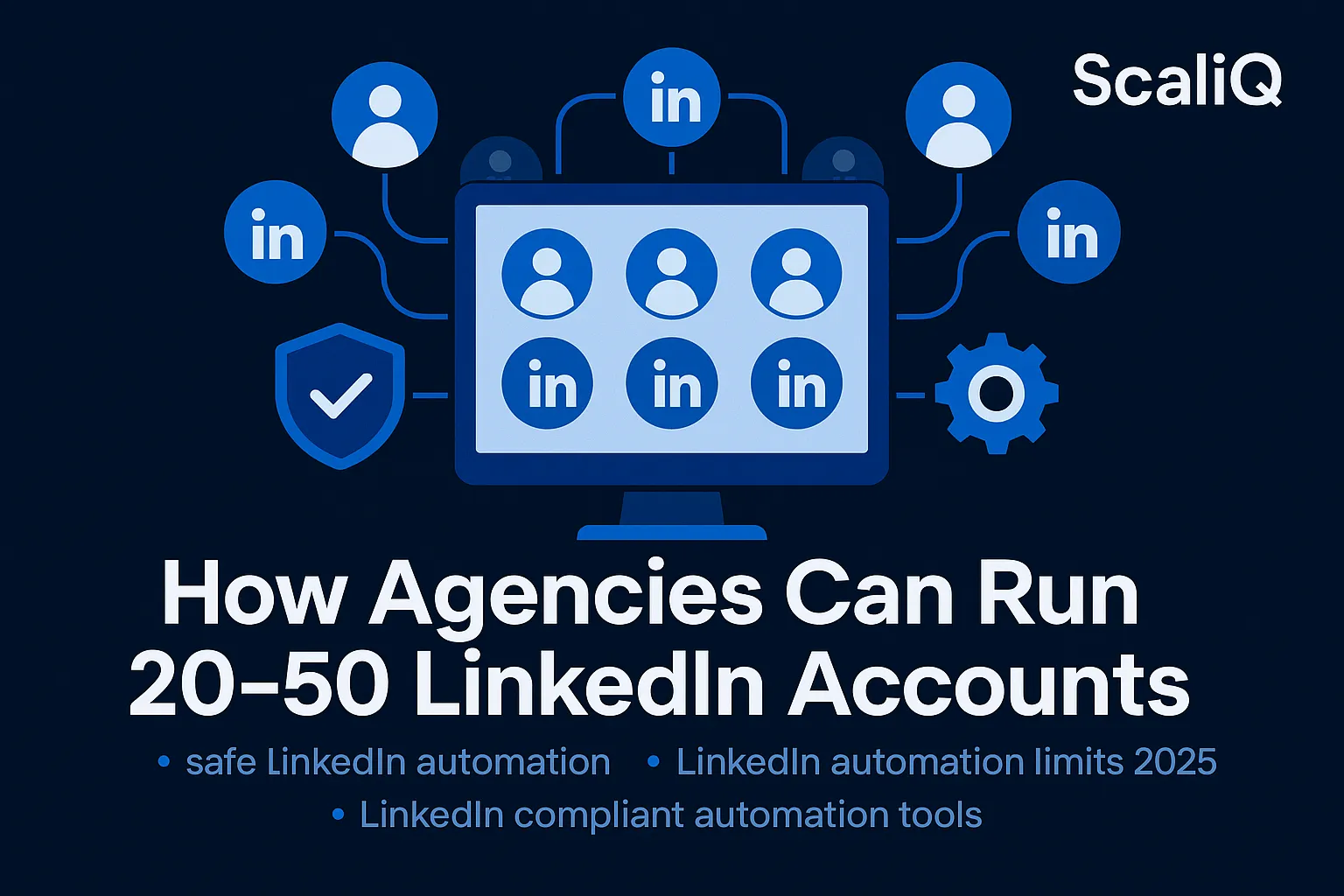
To run 20–50 accounts safely, you must treat each account as a distinct digital identity. This requires an infrastructure based on distributed identity architecture. In this model, every LinkedIn account is encapsulated in its own isolated environment, preventing cross-contamination of data or detection signals.
This approach aligns with NIST identity and automation security guidelines, which emphasize the importance of session isolation and distinct credential management to prevent correlation attacks.
IP Rotation & Residential Networks
The first line of defense is the IP address. Standard datacenter proxies (AWS, Google Cloud IPs) are easily flagged by LinkedIn because they are known commercial ranges. Real humans do not browse LinkedIn from an AWS server; they browse from residential or mobile connections.
Residential Proxies are essential for agency scaling. These IPs belong to real ISPs (like Comcast, Verizon, or AT&T).
• Static vs. Rotating: For LinkedIn, sticky (static) residential IPs are preferred. You want Account A to consistently log in from the same New York-based IP, rather than jumping between countries every session, which triggers security challenges.
• Proper Assignment: A 50-account agency should ideally utilize a pool of 50 distinct residential IPs, mapping one unique IP to each account to eliminate footprint overlap.
Device Fingerprint Isolation
An IP address is only half the battle. LinkedIn also tracks your "device fingerprint"—a composite of your browser version, operating system, screen resolution, installed fonts, and hardware capabilities.
If 50 accounts login from different IPs but share the exact same device fingerprint, they are easily linked.
• Browser Profiles: Agencies must use technology that generates unique browser profiles for each account. Account A appears to be on a Mac using Chrome; Account B appears to be on Windows using Edge.
• Session Isolation: Cookies, local storage, and cache must be strictly sandboxed. ScaliQ handles this at scale by creating a dedicated virtual environment for every single seat, ensuring that no data leaks between client accounts.
Centralized Multi-Account Governance
Managing this infrastructure manually (e.g., using 50 different Chrome profiles on a laptop) is operationally impossible. Agencies need a centralized dashboard that governs these distributed identities.
A multi-seat admin system allows you to:
• Monitor health scores across all 50 accounts.
• Pause activity globally during LinkedIn updates.
• Assign different proxies and schedules from one view.
For agencies, cost efficiency is also critical here. ScaliQ’s pricing scales for agencies, offering volume-based tiers that make running robust, safe infrastructure cheaper than piecing together separate proxies and automation tools.
Daily Limits, Warm-Up Protocols, and Risk Management
Infrastructure protects your identity; limits protect your reputation. Even with perfect IP masking, an account that sends 500 requests in an hour will be blocked. Safe scaling is a marathon, not a sprint.
Warm-Up Framework (Days 1–30)
You cannot onboard a client and launch full-volume campaigns on Day 1. Whether the account is new or simply has been dormant, it requires a "warm-up" period to establish trust with LinkedIn’s algorithm.
The 4-Week Agency Warm-Up Plan:
• Week 1: Manual activity only. Optimize the profile. 10–15 connection requests/day. 0 automation.
• Week 2: Activate automation. 20 requests/day. Focus on profile views and liking posts to generate "human" activity signals.
• Week 3: Ramp up to 30–40 requests/day. Start sending InMails if the account has Sales Navigator.
• Week 4: Reach steady state (50–60 requests/day).
During this phase, the Engagement-to-Connection Ratio is vital. If an account sends requests but never engages with feed content, it looks like a bot.
Daily/Weekly Safety Limits for Agencies
Once warmed up, agencies must adhere to strict volume caps. While LinkedIn’s official limits fluctuate, the following benchmarks are currently considered safe for established accounts:
• Connection Requests: 100–150 per week (approx. 20–25 per day).
• Profile Views: Up to 80 per day (spread out).
• InMails: 30–50 per day (dependent on Sales Navigator limits).
• Messages: 80–100 per day (including follow-ups).
Note: These limits should be randomized. Do not hit exactly 25 requests every day. Set a range (e.g., 18–27) to mimic human inconsistency.
Risk Detection & Recovery Protocols
Despite precautions, flags can happen. Agencies need a standard operating procedure (SOP) for recovery.
1. The Cooldown: If an account receives a warning, halt all automation for 72–96 hours.
2. Identity Verification: Be prepared to help the client verify their ID if requested by LinkedIn.
3. Re-Warm-Up: After a block is lifted, do not resume previous volume. Treat the account as "Day 1" and restart the warm-up cycle.
Referencing LinkedIn automated detection guidelines, immediate cessation of the triggering activity is the only way to reset the trust score of an account.
Human-Like Automation and AI Personalization
LinkedIn’s detection systems are increasingly behavioral. They look for "bot-like" efficiency—instant responses, identical message structures, and non-stop activity. To survive, automation must be indistinguishable from human behavior.
Human-Like Behavior Modeling
Real humans do not work 24/7, and they do not click buttons every exactly 30 seconds.
• Randomized Delays: Automation should introduce variable intervals between actions (e.g., wait 45 seconds, then 120 seconds, then 30 seconds).
• Natural Scheduling: Configure accounts to operate during the client’s local business hours, including lunch breaks and weekends off.
• Varied Action Types: A bot just sends messages. A human scrolls, likes a post, views a notification, and then sends a message.
This approach mirrors the NIST bot detection framework, which identifies automated agents based on timing regularity and lack of behavioral entropy. Agencies must inject entropy (randomness) into their workflows.
AI-Powered Personalization at Scale
The content of your messages also impacts safety. Sending the exact same "Hi [Name], I’d like to connect" message to 1,000 people triggers spam filters.
Agencies must leverage AI to create unique message variations for every prospect.
• Dynamic Variables: Go beyond {FirstName}. Use AI to reference the prospect’s industry, recent posts, or company news.
• Syntax Spinning: Automatically vary greetings and sign-offs so no two batches of messages look identical hash-wise.
For agencies needing deep personalization, tools like RepliQ act as an AI personalization add-on, generating hyper-personalized icebreakers that drastically reduce spam reports and increase acceptance rates.
Choosing Safe Tools for Agency-Level Operations
The market is flooded with LinkedIn automation tools, but 90% are designed for solo founders, not agencies managing 50 accounts. Using a "prosumer" tool for enterprise-level scaling is a primary cause of mass blocks.
Evaluation Criteria for Safe Agency Tools
When selecting a platform for your agency, audit them against these safety pillars:
1. Identity Isolation: Does the tool provide a unique IP and fingerprint for every seat?
2. Safety Throttling: Can you set global limits that prevent junior account managers from accidentally setting dangerous volumes?
3. Cloud-Based Execution: Avoid Chrome extensions. Extensions inject code into the browser that LinkedIn can easily detect. Cloud-based tools run on backend servers (mimicking browsers) which are harder to fingerprint if done correctly.
What ScaliQ Solves That Others Don’t
ScaliQ was engineered specifically to address the "20–50+ account" problem. Unlike competitors that simply allow you to add more seats to a standard dashboard, ScaliQ builds a siloed infrastructure for every account.
• Distributed Identities: Every client account gets a dedicated environment.
• AI-Optimized Schedules: The system automatically randomizes activity to prevent pattern detection.
• Agency Governance: You can manage 50 accounts from one master login without linking the accounts in the eyes of LinkedIn.
Explore how this infrastructure supports agency LinkedIn scaling at ScaliQ.
Case Studies & Scenarios (20, 30, 50+ Accounts)
How does this look in practice? Here is how successful agencies structure their operations at different stages of growth.
Scenario: 20-Account Agency
• Structure: 2 Account Managers, each overseeing 10 accounts.
• Infrastructure: 20 Static Residential IPs.
• Strategy: Niche-focused. Accounts are segmented by industry (e.g., 10 for SaaS, 10 for Healthcare).
• Safety Protocol: Daily check-ins on acceptance rates. If acceptance drops below 20%, the campaign is paused to rewrite copy, as low acceptance signals spam to LinkedIn.
Scenario: 30-Account Agency
• Structure: Dedicated Ops Manager + 2 SDRs.
• Infrastructure: Centralized dashboard with role-based access.
• Strategy: "Pod" Strategy. Grouping 3 accounts per client to triple volume safely (each account sends 20 requests/day = 60 total/day per client).
• Safety Protocol: staggered start times. Pod A starts at 8 AM, Pod B at 9:30 AM to avoid server load spikes and traffic bursts.
Scenario: 50+ Account Enterprise Setup
• Structure: Full Outreach Team.
• Infrastructure: ScaliQ Enterprise environment. Automated reporting fed into a CRM via API.
• Strategy: Global targeting. Accounts operating in different time zones (US, EMEA, APAC).
• Safety Protocol: Automated "Kill Switches." If LinkedIn pushes a major algorithm update, the agency admin can pause all 50 accounts instantly to wait for the dust to settle.
Tools, Resources & Implementation Checklist
Before scaling your agency’s outreach, run through this safety checklist:
Infrastructure:
• Each account assigned a unique static residential IP?
• Browser fingerprints isolated (no shared cookies/cache)?
• Cloud-based execution (no browser extensions)?
Warm-Up:
• Is the account >30 days old?
• Has the profile been manually active for 1 week?
• Is the connection limit set to <20/day for the first month?
Content & AI:
• Are message templates randomized?
• Is AI personalization configured to avoid duplicate text?
• Are you tracking the acceptance rate (target >30%)?
Governance:
• Do you have an SOP for blocked accounts?
• Are client expectations set regarding "safe" volumes?
Future Trends in Safe LinkedIn Automation
The future of LinkedIn automation is not about "more volume"—it is about "higher fidelity."
• Hybrid Human+AI Models: We will see workflows where AI drafts the message, but a human (or a human-mimicking agent) manually approves the "send" action for high-value targets.
• Decentralized Outreach Ops: Agencies will move further away from single-server setups toward decentralized cloud networks that make 100 accounts look like 100 completely unrelated users scattered across the globe.
• Predictive Scheduling: Tools will use historical data to predict exactly when a prospect is active, sending the message at that precise moment to maximize open rates without increasing volume.
Conclusion
Scaling an agency to manage 20, 30, or 50+ LinkedIn accounts is a significant operational achievement. It unlocks massive lead generation potential but brings equal risk. The days of "spray and pray" automation are over. Today, safety is an engineering challenge.
By implementing distributed identity infrastructure, adhering to strict warm-up protocols, and utilizing AI for human-like personalization, agencies can scale confidently. The goal is to make your 50th account look just as unique and human as your first.
For agencies ready to stop worrying about blocks and start focusing on revenue, ScaliQ offers the robust platform required to handle this complexity. Don't let infrastructure hold back your growth.