Introduction
Every sales professional knows the sinking feeling of opening a pipeline filled with new submissions, only to realize the majority are junk. You spend hours manually verifying emails, checking LinkedIn profiles, and discarding entries that never should have reached your CRM in the first place. This manual filtering isn't just tedious; it is a massive drain on revenue-generating activities.
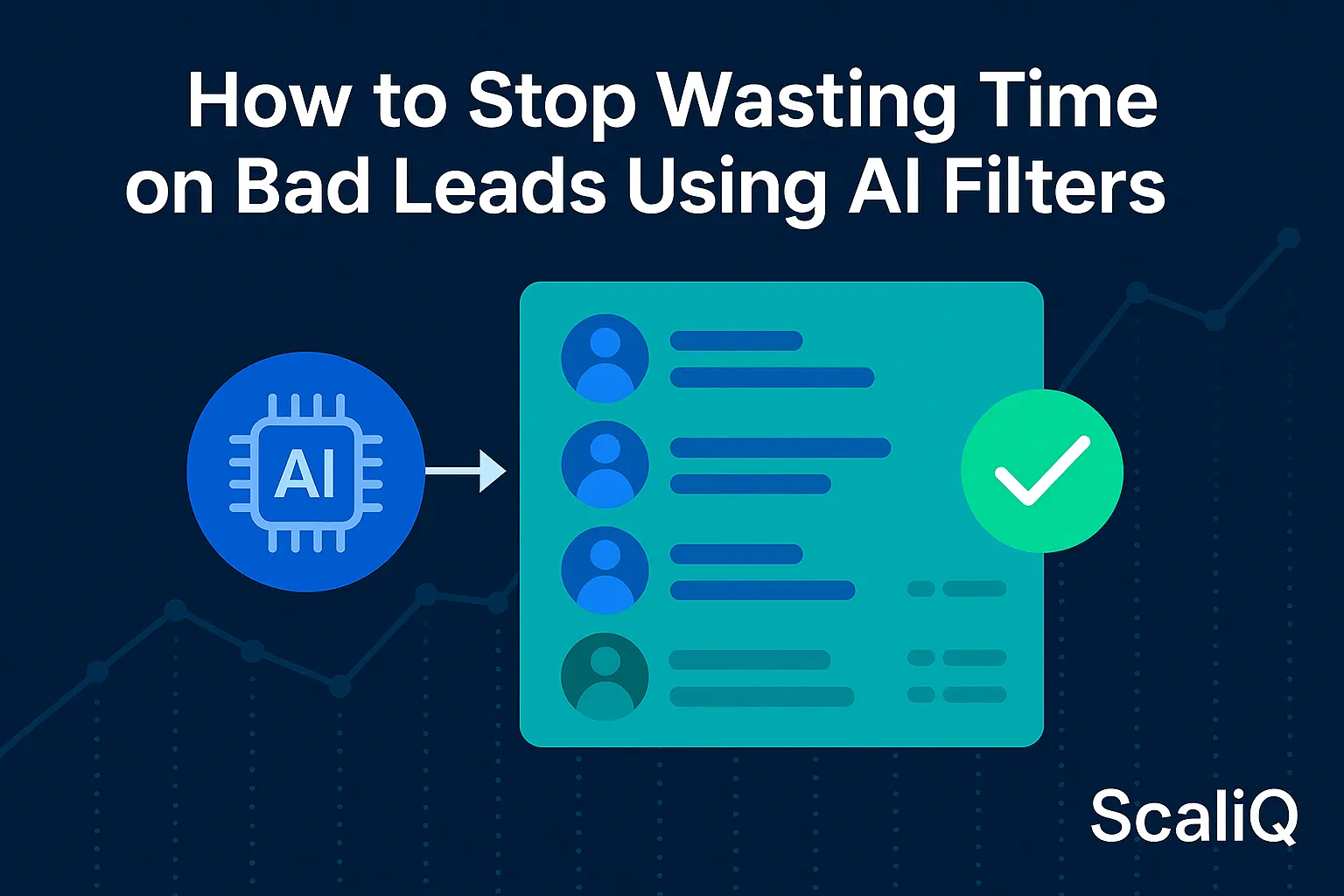
The solution to this time-waste problem lies in AI lead filtering. By leveraging automated pattern detection and predictive scoring, modern sales teams can instantly separate high-intent prospects from spam and unqualified submissions. Unlike basic filters that rely on simple rules, advanced AI analyzes historical data to predict which leads will actually convert.
This guide focuses on implementing outcome-trained models—specifically those built on robust datasets—to clean your pipeline automatically. For example, ScaliQ utilizes qualification models trained on over 500,000 historical leads to identify quality patterns that human reviewers often miss. By the end of this article, you will understand how to deploy these tools to stop wasting time on bad leads and focus entirely on closing deals.
Why AI Lead Filtering Matters Now
The volume of digital noise is at an all-time high. Inbound marketing and easy-apply LinkedIn forms have lowered the barrier to entry for leads, resulting in pipelines flooded with unqualified contacts. For many sales development representatives (SDRs), the ratio of "noise" to "signal" has become unmanageable manually.
The cost of bad leads extends beyond mere annoyance. Industry data suggests that sales professionals waste between 20% and 40% of their time researching and reaching out to prospects who are fundamentally mismatched with their product. This inefficiency creates a bottleneck where good leads sit waiting while bad leads are processed.
Traditional static enrichment tools attempt to solve this by adding data fields (like company size or revenue) to a lead. However, they lack the intelligence to make decisions. Adaptive predictive models, on the other hand, analyze the relationship between data points to determine validity.
To achieve true efficiency, teams need automated workflows that orchestrate these filtering steps seamlessly. Tools like NotiQ allow businesses to build sophisticated automation layers that route, filter, and score leads the moment they arrive, ensuring that only data-ready leads reach the sales team.
According to research on "data readiness for AI" published on arXiv, the quality of input data is the primary determinant of filtering accuracy. Implementing AI filtering matters now because it is the only scalable way to handle modern data volumes while maintaining the high data quality required for successful sales operations.
Component Breakdown — What Makes a Lead “Bad”?
To filter effectively, we must first define what constitutes a "bad" lead. While some are obvious spam, many are more subtle time-wasters that manual teams often misjudge due to a lack of deep investigation.
Common indicators include:
• Mismatched ICP (Ideal Customer Profile): The company is too small, too large, or in an irrelevant industry.
• Fake or Invalid Emails: Disposable domains or syntax errors that guarantee bounce rates.
• Low Intent: Leads who downloaded a resource purely for education with zero buying power or intent.
• Geographic Mismatch: Leads from regions your sales team cannot service.
Manual removal of these leads is slow and prone to error. AI automates bad lead removal by recognizing these indicators instantly, preventing them from clogging the sales funnel.
How Predictive Models Identify Bad Leads
Predictive models represent a significant leap forward from simple "if/then" logic. While a standard filter might say "If Company Size < 10, Disqualify," a predictive model looks at the holistic probability of a lead converting based on thousands of similar historical examples.
These conversion-trained models ingest a variety of inputs to form a decision:
• Firmographics: Industry, revenue, employee count, and technology stack.
• Intent Signals: Web behavior, content downloads, and engagement frequency.
• Behavioral Cues: The source of the lead and the specific path they took to conversion.
For instance, a predictive model might flag a lead as "low intent" even if they match the target industry, simply because their email domain pattern matches a cluster of known solicitors or bots. This depth of analysis is supported by academic research; an arXiv paper on the "effects of data quality on ML performance" highlights that robust, well-trained models significantly outperform basic heuristics when dealing with noisy real-world data.
Step-by-Step: How Predictive Filters Score a Lead
Understanding the mechanics of predictive scoring helps in trusting the automation. Here is the typical lifecycle of an AI-filtered lead:
1. Data Ingestion: The lead enters the system via a form, CSV, or API.
2. Signal Extraction: The AI parses the data, enriching it with missing details (e.g., finding the LinkedIn profile associated with an email).
3. Confidence Scoring: The model compares the lead's attributes against historical success data. It assigns a numerical score (e.g., 0-100) representing the probability of conversion.
4. Qualification/Disqualification: Based on a pre-set threshold, the lead is either passed to sales or automatically archived.
This lead qualification automation ensures that no human time is spent on the initial triage.
Why Outcome-Trained Models Are More Accurate Than Enrichment Tools
There is a distinct difference between enrichment and prediction. Enrichment tools provide context (e.g., "This lead is from Acme Corp"), but they do not provide judgment. You still have to decide if Acme Corp is a good fit.
Outcome-trained models provide the judgment. They analyze behavior patterns and historical conversions to tell you if the lead is worth pursuing. This is where the quality of training data becomes critical. A model trained on a massive dataset—such as ScaliQ’s 500k+ lead repository—has "seen" enough variations of good and bad leads to make highly accurate predictions that a generic enrichment tool cannot match.
Automated Workflows for Fast Lead Cleanup
Identifying a bad lead is only half the battle; removing it from the workflow instantly is the other. Automated workflows integrate predictive models directly into your CRM (like Salesforce or HubSpot) to handle the cleanup without human intervention.
These workflows function as gatekeepers. When a lead arrives, the AI evaluates it immediately. If the confidence score is below a certain threshold, the system triggers a "disqualify" action. This removes bad leads automatically, archiving them or tagging them as "Nurture" so they don't distract the sales team.
Building an AI Cleanup Workflow (Template)
To implement this, you can follow a standard blueprint called the "Capture-Enrich-Predict" loop. Orchestration platforms like NotiQ are excellent for managing these steps.
The Workflow Template:
1. Capture: Lead submits a form.
2. Enrich: System automatically appends firmographic data (Industry, Size).
3. Predict: AI model analyzes data and assigns a quality score.
4. Filter Rule:, If Score < 30: Auto-Disqualify (Reason: Low Fit)., If Score 31–60: Route to Marketing Nurture., If Score > 60: Route to Sales Pipeline.
5. Route: High-scoring leads are assigned to reps via Slack or CRM round-robin.
Real-World Example: Before/After Lead Quality
Consider a B2B SaaS company generating 1,000 leads per month.
• Before AI: The SDR team manually reviewed all 1,000 leads. 600 (60%) were irrelevant (students, competitors, bad data). This wasted approximately 150 hours of SDR time per month.
• After AI: The predictive filter automatically archived the 600 bad leads. The team only received the 400 qualified leads.
• Result: The fastest way to remove low-quality leads resulted in a 60% reduction in pipeline noise and a 100% focus on viable prospects.
LinkedIn Lead Filtering and Real-Time Scoring
LinkedIn is a powerhouse for B2B generation, but it is also notorious for "happy clickers"—users who submit "Easy Apply" forms without reading the details. This results in broad targeting issues and high volumes of misaligned leads.
AI tools for filtering LinkedIn leads are essential because the native LinkedIn forms often provide static, outdated profile data. AI can cross-reference this data in real-time to verify current employment status and relevance.
Signals AI Uses on LinkedIn Leads
To combat LinkedIn noise, AI analyzes specific signals:
• Job Title Accuracy: Does the title "Manager" actually imply decision-making power in this specific industry?
• Industry Relevance: Is the company in a sector you service, or is it a mismatched vertical?
• Engagement Intent: Has this person interacted with similar content previously?
• Historical Patterns: Does this profile match the characteristics of leads that have closed in the past?
Real-Time Scoring During Lead Capture
Speed is critical in lead response. Real-time lead scoring assesses the prospect the millisecond they hit "Submit." Instead of waiting for a daily batch upload and review, the AI scores the lead instantly. If the lead is high-quality, the sales rep is notified immediately. If it is junk, it never hits their inbox. This dynamic assessment dramatically improves "speed-to-lead" metrics for the prospects that actually matter.
Measuring Impact: Speed, Accuracy, and Pipeline Quality
Adopting AI is not a "set it and forget it" process; it requires monitoring to ensure the models are performing ethically and accurately. Aligning your measurement strategy with frameworks like the NIST AI Risk Management Framework ensures that your use of AI is responsible, explainable, and effective.
You must track how the AI impacts your bottom line and operational efficiency.
Key KPIs to Monitor After Adopting AI
To validate the success of your lead qualification automation, track these KPIs:
• Bad Lead Reduction Rate: The percentage of total leads automatically disqualified.
• Sales Hours Saved Weekly: The time returned to SDRs to focus on selling.
• SQL Uplift: The increase in Sales Qualified Leads generated from the same volume of traffic.
• Predictive Score Correlation: How often do high-scoring leads actually convert? (This validates model accuracy).
ROI Breakdown Using Real Customer Data (Anonymized)
In analyzing anonymized customer data, outcome-trained models typically demonstrate a qualification accuracy increase of 25–50% compared to manual review.
• Cost Reduction: By removing the labor cost of reviewing bad leads, the Cost Per SQL decreases significantly.
• Revenue Impact: With SDRs focusing only on high-intent leads, conversion rates from "Lead to Opportunity" often improve by 15-20%.
Conclusion
The era of manually sifting through spreadsheets of mixed-quality contacts is over. AI lead filtering provides the speed, accuracy, and scalability required to handle modern lead volumes without burning out your sales team. By shifting from static enrichment to outcome-trained predictive models, you can stop wasting time on bad leads and ensure every sales conversation is worth having.
The most effective approach combines robust data training—like the 500k+ dataset used by ScaliQ—with automated orchestration. If you are ready to reclaim your pipeline and focus on revenue rather than cleanup, testing a predictive filtering workflow is your next logical step.