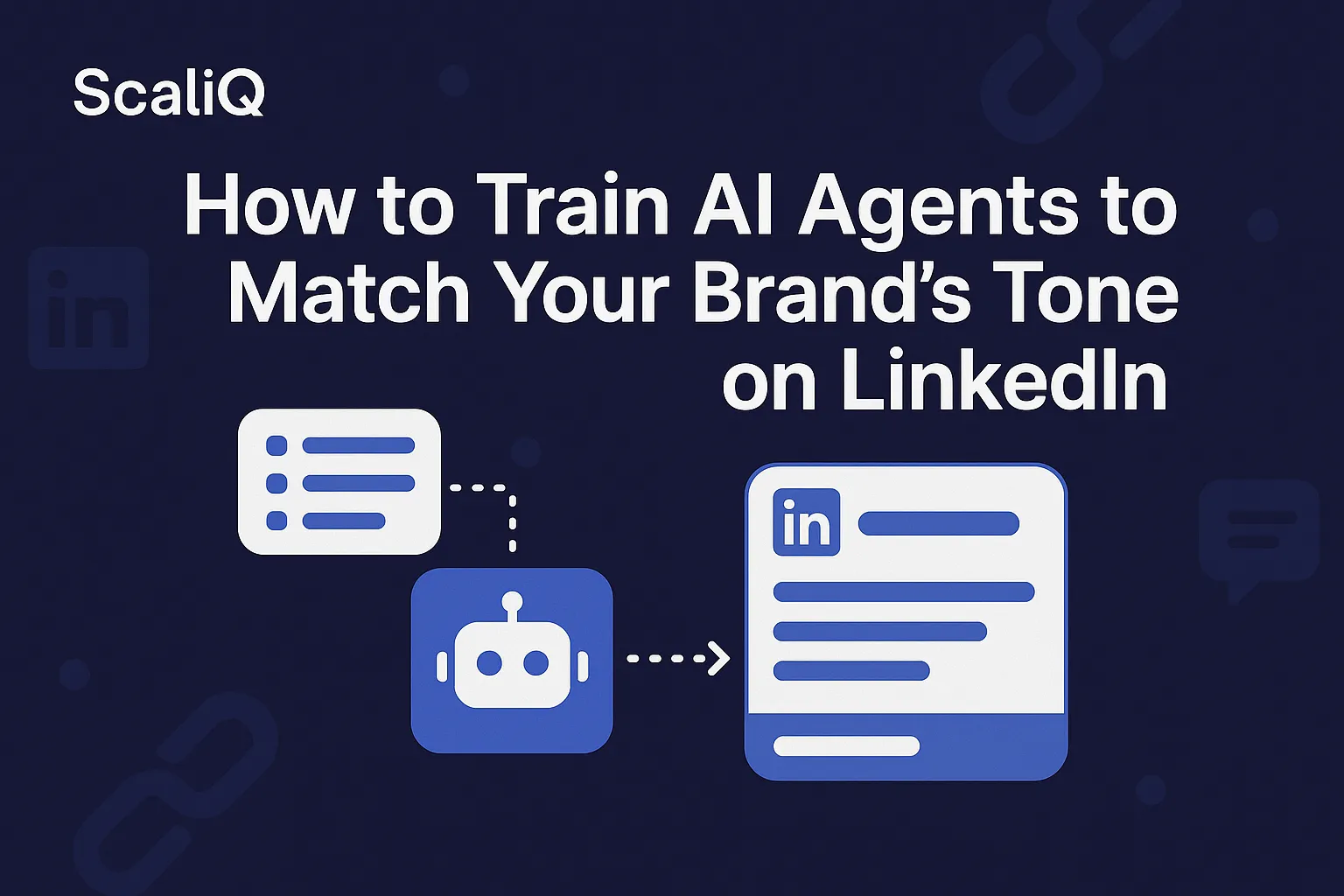
How to Train AI Agents to Match Your Brand’s Tone on LinkedIn
We have all seen them: LinkedIn posts that start with "In the dynamic landscape of today’s business world..." or use words like "delve," "unlock," and "tapestry" three times in one paragraph.
It’s the unmistakable sound of generic AI. While these tools are incredible for speed, they often fail at the most crucial element of personal branding: sounding like you.
On LinkedIn, your tone is your currency. It builds trust, differentiates you from the noise, and establishes authority. When your content feels robotic or overly polished, readers disconnect. They can sense the lack of human nuance, and your engagement metrics pay the price.
This article provides a practical, step-by-step workflow to solve this problem. We will move beyond generic prompting and explore how to actually train an AI agent to replicate your unique voice. Drawing on ScaliQ’s proprietary tone-style training methodologies, this guide will show you how to turn a generic assistant into a ghostwriter that perfectly mimics your ai tone linkedin strategy.
Why Generic AI Sounds Off on LinkedIn
To understand how to fix AI writing, you must first understand why it sounds so average by default. Baseline Large Language Models (LLMs) are trained on massive swathes of the internet. When you ask them to write a post, they predict the most statistically probable next word based on that average.
The result is "corporate speak"—grammatically perfect but stylistically hollow.
The "Average" Trap
Generic AI defaults to a safety zone. It avoids controversial takes, uses excessive adjectives, and adopts an overly formal structure that feels out of place on a social feed.
• Over-formality: "I am thrilled to announce..." instead of "Big news coming..."
• Cliché Phrasing: Constant use of "game-changer," "paradigm shift," and "innovation."
• Lack of Personality: It strips away the sentence fragments, slang, or rhythm that make your writing unique.
The Cost of Inconsistency
For a personal brand or company page, inconsistent tone is confusing. If Monday’s post is a gritty, short-form observation and Tuesday’s post (written by untrained AI) is a fluffy 500-word essay, your audience loses a sense of who you are.
According to Newcastle University’s tone of voice guidance, consistency is not just an aesthetic choice; it is a functional requirement for building trust. When an audience can predict your voice, they feel safer engaging with your content. Generic ai output linkedin disrupts this predictability, signaling to the reader that the content is inauthentic.
Discover how ScaliQ’s dedicated agents eliminate these tone inconsistencies.
How Tone-Style Training Works for LinkedIn
You do not need to be a developer to train AI. You simply need to understand the concept of a "Tone-Style Dataset."
What a Tone-Style Dataset Is
A tone-style dataset is a collection of your writing samples that serves as a "truth source" for the AI. Instead of describing your tone ("I want to sound professional but witty"), you show the AI what that looks like.
This dataset bridges the gap between brand tone automation and generic output. It typically includes:
• Structural patterns: Do you use bullet points? Do you write one-line paragraphs?
• Vocabulary: Do you say "clients" or "partners"? "Revenue" or "cash flow"?
• Syntax: Do you start sentences with conjunctions like "And" or "But"?
Research from the University of Helsinki on tone consistency emphasizes that documented guidelines and structured examples are critical for maintaining a unified voice across different communication channels. In the context of AI, your dataset is that documentation.
Why LinkedIn Requires Platform-Specific Tone Modeling
You cannot train a LinkedIn AI agent using your blog posts or white papers.
• The Hybrid Style: LinkedIn exists in a unique space between the casual nature of X (Twitter) and the formality of an email.
• Engagement Patterns: LinkedIn posts require "hooks" (to stop the scroll) and "CTAs" (to drive comments). A blog post introduction works poorly as a LinkedIn hook.
• Formatting: LinkedIn relies heavily on white space and line breaks for mobile readability.
If you train your agent on email data, your LinkedIn posts will sound like memos. You need linkedin-specific tone training workflows that prioritize social engagement.
What Data You Need to Train AI on Your Voice
For a beginner, you do not need thousands of data points. 10–20 high-quality examples are sufficient to establish a strong baseline.
• Sources: Your best-performing LinkedIn posts, thoughtful comments you’ve left, or newsletter intros.
• Avoid Overfitting: Do not just feed it your "viral" hits if they don't represent your everyday voice. You want a representative sample of how you speak naturally.
Following NIST human-centered design guidelines, it is vital to curate this dataset responsibly. Ensure the data you use is accurate, yours (or fully licensed), and free of sensitive personal information before feeding it into any model.
Beginner-Friendly Workflow for Training Your AI
This workflow is designed to be completed in under an hour, with no coding required.
Step 1 — Gather 10–20 Posts That Best Represent Your Voice
Go through your LinkedIn analytics. Identify 10 to 20 posts that felt "easy" to write and resonated with your audience.
• Include: A mix of stories, educational lists, and contrarian opinions.
• Exclude: Posts that were heavily edited by others or "announcement" posts that are naturally stiff.
• Goal: Create a raw text file containing just the content of these posts. This is the foundation of your ai tone linkedin strategy.
Step 2 — Break Each Post Into Tone Components
AI mimics patterns. You need to identify yours so you can verify if the AI is picking them up. Look at your selected posts and note:
• Opening Style: Do you ask a question? Do you make a bold statement?
• Rhythm: Are your sentences short and punchy? Or long and flowing?
• Attitude: Is your vibe "helpful mentor," "stern expert," or "curious peer"?
According to research published in the International Journal of Communication, human interaction relies heavily on emotional and relational tone markers. Identifying whether your writing conveys empathy, authority, or urgency is key to tone of voice ai success.
Step 3 — Build Your First Tone-Style Dataset
Create a simple document (Google Doc or Notepad) structured like this:
Example 1:
• Context: Sharing a mistake I made.
• Post Content: [Paste post here]
• Tone Traits: Vulnerable, short sentences, no emojis.
Example 2:
• Context: Teaching a technical concept.
• Post Content: [Paste post here]
• Tone Traits: Authoritative, bullet points, clear actionable advice.
This structure helps the AI understand why you wrote the way you did. This is the essence of brand tone automation.
Step 4 — Train Your AI Agent (No Technical Skills Needed)
This is where tools like ScaliQ shine. Unlike generic chat interfaces where you have to paste these examples every single time, specialized tools allow you to save this dataset as a "Knowledge Base" or "Style Guide."
1. Paste: Upload your text file or paste your 10–20 examples into the training module.
2. Label: Tag the agent with attributes like "Casual Professional" or "Direct."
3. Refine: Ask the agent to rewrite a generic paragraph using your new style.
The advantage of linkedin ai assistants like ScaliQ is that they "remember" this training forever. You don’t need to prompt, "Act like me." It already knows.
Start training your custom LinkedIn agent with ScaliQ’s no-code workflow.
Step 5 — Validate Your Trained Tone (Before Publishing)
Never publish the first output blindly. Validate it against your Step 2 analysis.
• Check for "Robot Words": Did it use "delve" or "unleash"?
• Check the Hook: Is the first line punchy?
• Check the Formatting: Is there enough white space?
If the output feels off, add 2–3 more examples to your dataset that specifically correct that error (e.g., if it’s too formal, add a very casual post to the dataset). This iterative process is how you learn how to align ai with my writing style.
Step 6 — Automate Your Drafting & Editing Flow
Once the tone is stable, you can scale. Use your agent to ideate topics, draft hooks, and repurpose content.
• Ideation: "Based on my tone, suggest 5 contrarian takes on [Topic]."
• Editing: "Rewrite this messy draft to match my LinkedIn style."
With ScaliQ, your tone remains stable even if you switch topics from "Marketing" to "Hiring." For creators managing multiple channels, using complementary linkedin ai content tools can further streamline the process.
Explore Repliq for personalized outreach that complements your organic LinkedIn strategy.
Maintaining Tone Consistency at Scale
Training is not a one-time event. As your personal brand evolves, your AI agent must evolve with it.
Create a Reusable Tone Library
Don’t rely on a single "My Voice" setting. Create specific presets for different post types:
• The Storyteller: For personal anecdotes (slower pace, emotional words).
• The Educator: For how-to guides (bullet points, imperative verbs).
• The Challenger: For opinion pieces (short, sharp, provocative).
Tagging your content types ensures brand tone automation applies the right nuance to the right context.
Set Up Multi-Agent or Team-Based Consistency
If you have a team managing a company page, consistency is even harder. Shared tone datasets act as a governance layer. Every team member uses the same "Company Voice" agent, ensuring that a post written by the intern sounds identical to a post written by the CEO.
This approach aligns with the NIST AI Use Taxonomy, which suggests robust governance structures for AI systems to ensure reliability and validity in output. Using shared linkedin-specific tone training workflows minimizes human error and brand drift.
Continuous Learning Loops
Models experience "drift," and your own writing style changes over time.
• Monthly Review: Once a month, take your top 3 performing posts and add them to your training dataset.
• Pruning: Remove old examples that no longer feel like "you."
ScaliQ’s architecture supports this continuous learning, allowing you to maintain consistent tone across linkedin posts without rebuilding from scratch.
Common Mistakes to Avoid
• Overfitting: Don't train the AI on only one type of post (e.g., only rants), or it will lose the ability to write educational content.
• Wrong Data: Never feed the AI content written by other influencers. It will create a confused hybrid voice that sounds like no one.
• Impatience: Expecting perfection on day one. It usually takes 2–3 rounds of feedback to dial in generic ai output linkedin fixes.
Conclusion
The difference between a generic LinkedIn account and a thought leader often comes down to a recognizable voice. While generic AI tools offer speed, they often strip away the very personality that makes people want to follow you.
By curating a simple tone-style dataset and using a specialized workflow, you can have the best of both worlds: the efficiency of AI and the authenticity of your own brand. This process—gathering 10 posts, breaking down your style, and training an agent—can be done in less than an hour, but the payoff in trust and engagement lasts forever.
Ready to stop sounding like a robot? Try training your tone dataset inside ScaliQ to streamline your posting flow and finally automate your brand voice with confidence.