Introduction
If you have ever stared at a blinking cursor on LinkedIn, unsure of what to write, you are not alone. Most LinkedIn DMs fail because they sound generic, overly salesy, or obviously copy-pasted. The result? Your message gets ignored, or worse, flagged as spam.
But what if you could take a mediocre draft and instantly transform it into a high-converting message?
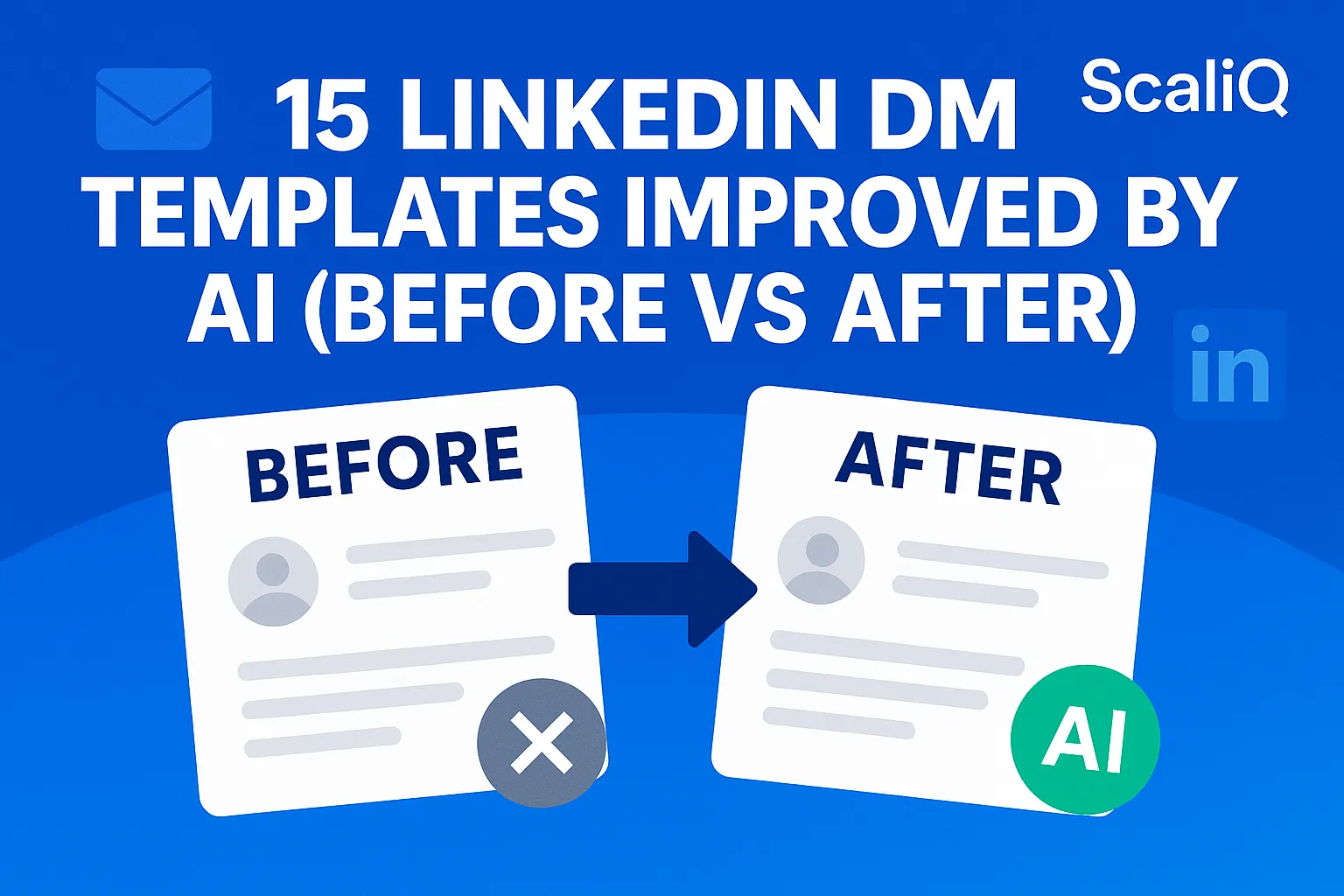
This article breaks down 15 real-world before-and-after DM transformations. We use ScaliQ’s AI optimization—trained on actual engagement patterns—to turn flat, robotic text into personalized, compelling outreach. Whether you are a beginner looking for LinkedIn AI templates or a pro refining your AI LinkedIn messaging strategy, these examples provide the clarity and frameworks you need to start booking meetings today.
Why Most LinkedIn DMs Fail
The primary reason LinkedIn outreach fails is a lack of relevance. We have all received them: the "pitch-slap" messages that ask for 15 minutes of our time before establishing any value. Common rookie mistakes include generic wording ("I hope you are doing well"), a self-centered focus ("I want to show you my product"), and zero personalization beyond inserting a first name.
For beginners, the struggle often isn't a lack of a good product—it's not knowing how to translate value into a conversation starter. When you rely on rigid scripts, you fail to address the specific context of the recipient. This is where generic LinkedIn message fixes become crucial. If you don't adapt your tone to the platform's professional yet social nature, your LinkedIn DMs aren't converting.
Furthermore, ethical communication is paramount. According to the ethical AI communication guidelines from the IABC, transparency and respect for the recipient's time are foundational to building trust. AI shouldn't be used to deceive; it should be used to enhance clarity and relevance.
For deeper insights on avoiding these pitfalls, check out our guide on common outreach mistakes.
How AI Upgrades and Personalizes Templates
Artificial Intelligence doesn't just "write" for you; it optimizes based on data. ScaliQ’s engagement-pattern optimization logic analyzes thousands of successful interactions to understand why people reply.
AI upgrades templates by:
1. Tone-Matching: Detecting if a prospect is formal or casual and adjusting the message accordingly.
2. Intent Alignment: Ensuring the "ask" (Call to Action) matches the relationship stage (e.g., not asking for a sale in the first message).
3. Variable Personalization: Going beyond {First Name} to include recent activity, shared skills, or company news.
Unlike generic templates that feel static, AI LinkedIn messaging creates dynamic variations. It takes a "good enough" draft and injects psychological triggers that drive engagement.
This approach aligns with global standards for technology. The ISO/IEC AI standards body SC 42 emphasizes the importance of robustness and reliability in AI systems—principles that ScaliQ applies to ensure your outreach remains professional and effective.
15 Before‑and‑After LinkedIn Message Transformations
Below are 15 examples of how AI improved LinkedIn DM examples work in practice. We compare a standard "Before" draft with an "After" version optimized for engagement.
Note on Strategy: Many competitors offer static lists of templates. However, simply copying and pasting often leads to lower reply rates. You need logic behind the text. For a comparison of different outreach philosophies, you can read more at Repliq's blog.
Research confirms that highlighting shared ground is critical. A research on shared similarities and outreach study suggests that emphasizing commonalities significantly boosts compliance and response rates.
Connection Request Templates (3 Before/After)
1. The "Generic Networking" Request
• Before: "Hi [Name], I’d like to add you to my professional network on LinkedIn."
• After: "Hi [Name], I’ve been following your posts on SaaS growth strategies and love your take on PLG. Would love to connect and keep up with your updates."
• Why it works: It proves you actually read their content, moving from a generic request to a compliment.
2. The "Sales Rep" Request
• Before: "Hi [Name], we help companies like yours grow. Let's connect."
• After: "Hi [Name], noticed you’re scaling the sales team at [Company]. I share resources on outbound efficiency—thought they might be relevant as you grow. Would be great to connect."
• Why it works: It offers value (resources) rather than asking for something immediately.
3. The "Alumni" Request
• Before: "Hi [Name], I see we both went to [University]. Let's connect."
• After: "Hi [Name], saw we’re both [University] alums! It’s great to see fellow grads leading in the Fintech space. Would love to connect."
• Why it works: It adds specificity ("leading in the Fintech space") to the shared alumni status, making the connection feel more prestigious.
Cold Outreach Templates (3 Before/After)
4. The "Direct Pitch"
• Before: "We have the best SEO tool. Can we chat next Tuesday at 2 PM?"
• After: "Hi [Name], noticed [Company] is heavily investing in content marketing this quarter. We helped [Competitor/Similar Co] cut content costs by 30% using AI workflows. Open to seeing how they did it?"
• Why it works: It focuses on a specific pain point (costs) and offers a case study rather than a demo.
5. The "Feature Dump"
• Before: "Our software has automation, analytics, and CRM integration. It’s $50/month."
• After: "Hi [Name], saw you’re managing a remote sales team. Most leaders I speak with struggle with visibility on rep activity. We built a dashboard specifically to solve that. Is this a priority for you right now?"
• Why it works: It pivots from features to the problem those features solve.
6. The "Vague Value"
• Before: "I’d love to synergize and see how we can help each other."
• After: "Hi [Name], your recent comment on supply chain volatility was spot on. I’m working on a report regarding logistics trends in Q4—would value your perspective if you’re open to a quick chat."
• Why it works: It replaces buzzwords ("synergize") with a specific context (the report) that flatters their expertise.
Follow-Up Templates (3 Before/After)
7. The "Just Checking In"
• Before: "Just checking in to see if you got my last email."
• After: "Hi [Name], bringing this to the top of your inbox in case it got buried. Also, here’s a quick link to that case study I mentioned—thought the ROI figures on page 3 might be interesting to you."
• Why it works: It adds "micro-value" (the specific page reference) instead of just nagging.
8. The "Are You Interested?"
• Before: "Are you interested? Let me know."
• After: "Hi [Name], I assume you’re incredibly busy with the new product launch. If this isn't a priority right now, no worries—I can circle back next quarter?"
• Why it works: It gives them an "out," which paradoxically increases trust and response rates (the "break-up" technique).
9. The "Calendar Push"
• Before: "Here is my calendar link again. Please book a time."
• After: "Hi [Name], realized I didn't send over the agenda. We’d cover: 1. Your current tech stack gaps. 2. A 3-step fix for Q1. Let me know if you’d like to see the breakdown."
• Why it works: It sells the meeting by outlining exactly what they will get out of it.
Collaboration / Partnership Templates (3 Before/After)
10. The "Let's Partner"
• Before: "We should partner up. We have similar audiences."
• After: "Hi [Name], huge fan of your podcast. Since our audiences overlap heavily in the agency space, I’d love to explore a co-marketing swap that drives traffic to your new course. Open to a 10-min chat?"
• Why it works: It proposes a specific benefit (driving traffic to their course) rather than a vague partnership.
11. The "Guest Post" Ask
• Before: "Can I write a guest post for your blog?"
• After: "Hi [Name], noticed your blog covers AI ethics frequently. I have a draft on 'The Legal Side of AI Scraping' that fits your editorial guidelines perfectly. Would you be open to reviewing a pitch?"
• Why it works: It shows you have done your homework on their content strategy.
12. The "Referral" Ask
• Before: "Do you know anyone who needs web design?"
• After: "Hi [Name], since you work closely with seed-stage founders, you likely see them struggle with branding. If you run into anyone needing a quick turnaround on a site, I’d be happy to offer them a 'Friends of [Name]' discount."
• Why it works: It incentivizes the referrer and makes them look good to their network.
Recruiting / Talent Outreach Templates (3 Before/After)
13. The "We Are Hiring"
• Before: "We have a job opening for a developer. Apply here."
• After: "Hi [Name], saw your GitHub project on React optimization—impressive work. We’re building a similar architecture at [Company] and need a lead engineer to own it. Open to a casual chat about the role?"
• Why it works: It validates their skill before pitching the job.
14. The "Headhunter" Blast
• Before: "I have a great opportunity for you. Call me."
• After: "Hi [Name], looking at your trajectory from [Company A] to [Company B], it looks like you enjoy high-growth environments. We have a VP role opening that mirrors that challenge. Would you be open to hearing the details?"
• Why it works: It frames the job as a career progression step tailored to their history.
15. The "Generic Recruiter"
• Before: "Are you open to new roles?"
• After: "Hi [Name], I’m not asking you to leave your job today, but we are looking for top 1% talent for a stealth project. Given your background in crypto security, I thought of you first. Worth a 5-min coffee chat?"
• Why it works: It plays on exclusivity ("stealth project", "top 1%") and lowers the pressure.
Beginner-Friendly Frameworks and Template Packs
If you are new to AI LinkedIn messaging, you don't need to reinvent the wheel. Use these simple frameworks to structure your messages effectively.
Framework 1: The Context-Bridge-Ask
1. Context: Mention something specific about them (Post, News, Role).
2. Bridge: Connect that context to your value proposition.
3. Ask: Low-friction Call to Action (CTA).
Example: "Hi [Name], saw your post on X (Context). We solve that by doing Y (Bridge). Open to seeing how? (Ask)"
Framework 2: The Problem-Agitate-Solve
1. Problem: Identify a likely pain point.
2. Agitate: Briefly mention the cost of ignoring it.
3. Solve: Offer your solution as a resource.
According to a study on personalization effectiveness, tailoring the "Problem" aspect to the user's specific industry increases engagement significantly compared to generic benefits.
For more ready-to-use structures, visit our blog for template packs.
Choosing the Right Template for Each Prospect Type
Not every template works for every prospect. How to personalize LinkedIn messages using AI depends on categorizing your audience correctly.
• Warm Prospects: Use shorter, more direct templates. They already know you; get to the point.
• Cold Prospects: Use value-first templates. You must earn the right to ask for their time.
• Shared-Connection Prospects: Leverage the mutual relationship immediately in the first sentence to build trust.
• Recruiting/Talent: Focus on their achievements, not your company's needs.
AI tools help here by analyzing the prospect's profile to detect tone and intent, ensuring you don't sound salesy when you should sound supportive. However, always ensure you are using data responsibly. The UK Government’s AI ethics and safety guidance highlights the importance of using AI to enhance human decision-making, not replace ethical judgment.
Conclusion
The difference between a deleted message and a booked meeting often comes down to a few words. As shown in these 15 transformations, LinkedIn AI templates are not about automating spam—they are about automating relevance. By moving from generic "Before" drafts to optimized "After" messages, you respect your prospect's time and significantly increase your reply rates.
We encourage you to test these frameworks. Start with the "Context-Bridge-Ask" model, apply it to your next 10 prospects, and watch your engagement metrics change.
Ready to scale this process? Explore ScaliQ’s advanced templates and AI LinkedIn messaging tools to automate your personalization today.