How to Build Multi-Touch LinkedIn Sequences That Don’t Sound Automated
You send a connection request. They accept. You send a message. Silence.
This scenario is the default experience for most professionals on LinkedIn. The reason isn't necessarily that your product is bad or your offer is weak—it is that your outreach feels automated. In an era where inboxes are flooded with robotic scripts, human attention has become the most expensive currency.
If your sequence feels like a machine sent it, it gets treated like spam. However, when you master the art of humanlike pacing and conversational flow, the dynamic changes entirely.
In this guide, you will learn how to build natural, multi-touch LinkedIn sequences using AI without sounding like a bot. We will cover the specific pacing rules, tone adjustments, and practical templates you need to break through the noise.
For more deep dives on leveraging AI for authentic communication, explore our resources at ScaliQ.
Why Most LinkedIn Sequences Sound Automated
The primary reason reply rates are plummeting is that most outreach follows a predictable, detectable pattern. Beginners often rely on rigid templates that scream "automation," triggering an immediate mental filter in the recipient’s mind.
The "Insert Variable" Trap
Traditional automation tools rely heavily on basic merge tags like {FirstName} or {CompanyName}. While this technically counts as personalization, it is superficial. A message that reads, "Hi {John}, I love what {Company_X} is doing," offers no real context. According to research published in Nature on AI-driven personalized persuasion, effective communication requires depth that aligns with the recipient's psychological profile and specific context, not just surface-level data insertion.
Robotic Pacing and Cadence
Nothing signals a bot faster than a follow-up message sent exactly 24 hours after a connection acceptance, followed by another exactly 48 hours later. Humans do not operate on rigid timers. When tools force this behavior, they create a "sales-heavy" rhythm that feels aggressive rather than conversational.
The Template Fatigue
Many sales professionals use the same "guru-approved" templates. When a prospect receives the fifth "quick question" email of the week, they ignore it. While tools like Repliq offer strong solutions for video and image personalization to break this pattern, the text itself must also evolve beyond standard templates to maintain engagement.
Core Principles of Humanlike Message Pacing
To build a sequence that converts, you must mimic how humans actually interact. This involves specific rules regarding time, tone, and context.
Principle 1 — Variable, Humanlike Timing
Humans are sporadic. We might reply instantly, or we might get busy and reply three days later. Your automated sequences must reflect this variance.
• The Rule of Irregular Intervals: Never set follow-ups for exact 24-hour blocks. Use intervals like 1 day, then 3 days, then 5 days.
• Behavioral Cues: If a prospect views your profile but doesn't reply, a human would wait a beat before messaging again to avoid seeming desperate.
• AI Persuasion Theory: Research into AI persuasion theory suggests that communication rhythms that mimic natural human latency (delays and pauses) significantly increase trust and the likelihood of a positive response.
Principle 2 — Conversational, Not Scripted Messaging
The most effective outreach reads like a text message to a colleague, not a marketing brochure.
• Open Loops: End messages with questions that are easy to answer.
• Soft Asks: Instead of asking for a 30-minute demo immediately, ask if the topic is relevant to them.
• Lowercase and Brevity: Over-polished, capital-heavy paragraphs look like marketing copy. Short, punchy sentences feel real.
Principle 3 — Progressive Context Building
A human conversation evolves. If you met someone at a conference, you wouldn't repeat your introduction three times.
• Touch 1: Introduction and context.
• Touch 2: Adding value based on the first touch.
• Touch 3: shifting the angle or offering a resource.
Each message must build on the previous one, acknowledging that silence is part of the process, not a rejection.
How AI Helps Craft Natural, Multi‑Touch LinkedIn Flows
AI is no longer just for generating text; it is now essential for orchestrating the feel of a conversation. Tools like ScaliQ utilize advanced models to ensure your outreach respects the nuances of human interaction.
Tone Naturalization
One of the biggest giveaways of automation is stiff, corporate language. AI tools can now analyze a draft and rewrite it to sound conversational. This process, often called "tone naturalization," removes jargon and softens the language. A meta-analysis on AI persuasiveness indicates that when AI adopts a casual, anthropomorphic tone, engagement rates improve because the recipient feels they are interacting with a social entity rather than a script.
Personalized Icebreakers at Scale
True personalization goes beyond job titles. AI can analyze public profiles to find mutual interests, recent posts, or shared connections, generating icebreakers that feel genuine. Instead of a generic "I like your profile," AI can generate: "I saw your recent post about supply chain logistics—the point about last-mile delivery really resonated."
Message Flow Orchestration
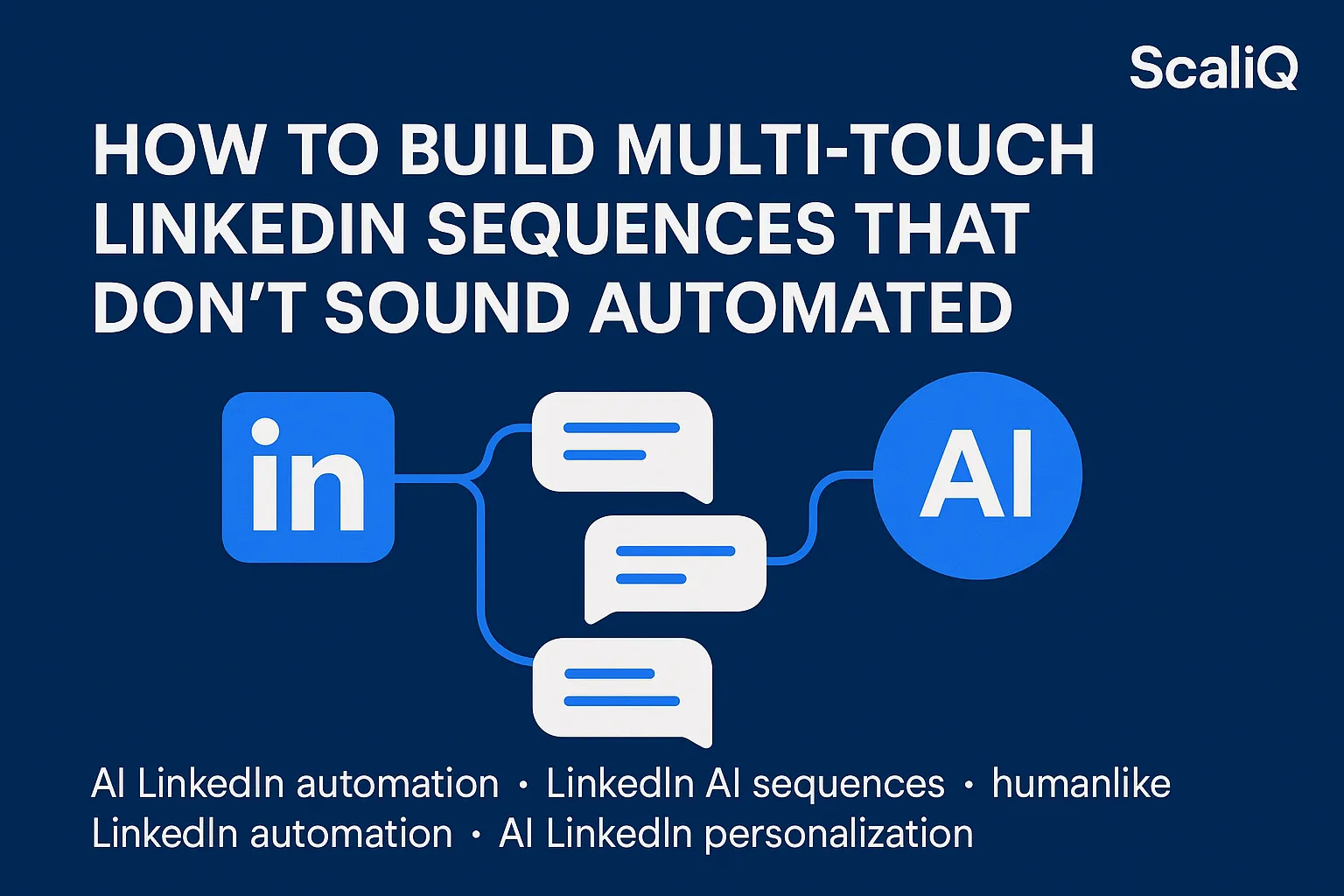
Creating a multi-touch sequence requires mapping a logical journey. AI helps orchestrate this flow:
1. Intro: Low friction.
2. Context: Why me, why you, why now.
3. Value: Insight or asset.
4. Soft CTA: A polite exit or simple question.
Research into humanlike chatbot communication confirms that "anthropomorphism"—giving the AI human traits like memory and flow—drastically improves user satisfaction and response quality.
Examples and Templates for Humanlike Outreach
Below are frameworks and templates you can adapt. Remember, the goal is to sound like you, not a template.
4‑Step Humanlike Multi‑Touch Framework
• Touch 1 (Connection/Intro): Soft intro + light context. No pitching.
• Touch 2 (2-3 days later): Value hint + curiosity statement. Tie back to their industry pain points.
• Touch 3 (4-5 days later): Social relevance or resource share. Send a case study or a relevant article (not necessarily yours).
• Touch 4 (Break-up): Polite, zero‑pressure ask. Leave the door open.
Before-and-After AI Naturalization Examples
The Robotic Version (Avoid this):
The Naturalized Version (Do this):
Notice the shift: The second version removes the "hope you are well" fluff, drops the formal pitch, and asks a relevant, low-pressure question.
Templates for Beginners (Copy-Paste)
Sequence A: The Founder/Peer Approach
• Touch 1: "Hi [Name], been following [Company]’s growth in the [Industry] space. Love the approach you're taking with [Specific Observation]. Would be great to connect."
• Touch 2: "Thanks for connecting, [Name]. I was actually looking at how you handle [Pain Point]—we’ve been testing a new workflow that cut our dev time by 20%. Happy to send over the SOP if you're curious?"
• Touch 3: "Hey [Name], no pressure on the above. Just thought this article on [Topic] might be up your alley considering your recent post. Best, [Your Name]."
Tools & Resources for Humanlike LinkedIn Sequences
Choosing the right stack is critical. You need tools that prioritize "human" behavior over raw volume.
ScaliQ: AI Pacing and Naturalization
ScaliQ stands out by focusing on the rhythm of outreach. Unlike legacy automation tools that blast messages in bulk, ScaliQ uses AI to determine the optimal sending times and naturalizes message copy to ensure it passes the "human test." This approach protects your sender reputation and increases reply rates.
Choosing the Right Tool
When selecting software, look for:
• Smart Delays: Does it allow for random variance in sending times?
• Tone Checks: Does it have built-in AI to flag robotic language?
• Safety Limits: Does it respect LinkedIn’s daily limits to ensure compliance?
For more guides on configuring these tools for maximum effect, check out our resources at ScaliQ.
Future Trends & Expert Predictions
The future of LinkedIn outreach is not about sending more messages, but sending smarter ones.
Adaptive Tone Models
We are moving toward AI that adapts to the prospect's personality. If a prospect writes short, direct posts, the AI will adjust your outreach to be concise. If they write long, emotive stories, the AI will match that energy.
Behavioral Pacing AI
Future algorithms will analyze when specific users are most active and schedule messages to land exactly when they are scrolling. According to AI persuasion theory, aligning message delivery with user availability and cognitive load significantly boosts compliance and response rates.
The Rise of "Anti-Automation" Detection
LinkedIn and users alike are getting better at spotting bots. The only way to survive is to use tools that mimic human irregularity perfectly. Hybrid workflows—where AI drafts and schedules, but humans review—will become the gold standard for high-ticket sales.
Conclusion
Building humanlike, AI-powered LinkedIn sequences is the only way to maintain relevance in a crowded market. By shifting your focus from "automation" to "orchestration"—prioritizing variable pacing, conversational tone, and progressive context—you can turn cold leads into warm conversations.
Start small. Use the templates provided above, apply the 1-3-5 day spacing rule, and leverage tools like ScaliQ to handle the heavy lifting without losing your human touch.