Introduction
For many sales development representatives (SDRs) and solo founders, LinkedIn is a double-edged sword. It is the world’s most powerful database of professional intent, yet navigating it manually is exhausting. It is estimated that manual LinkedIn research often eats up 30% of a rep’s day, forcing them into a constant cycle of clicking, reading, and tab-switching just to verify if a prospect is worth contacting.
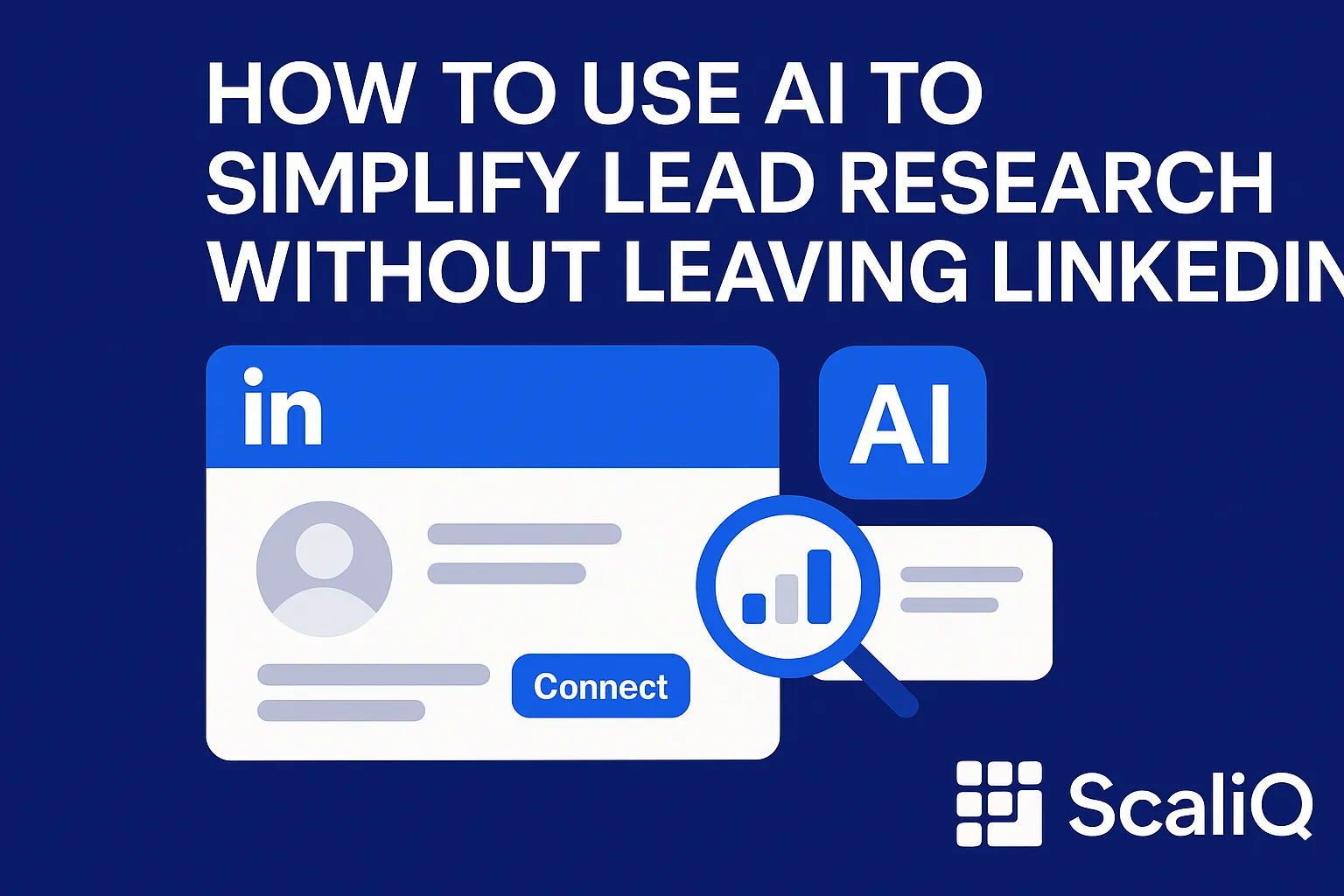
For beginners, this friction is the primary killer of momentum. You spend more time analyzing profiles than actually selling. However, the emergence of linkedin ai research tools is fundamentally changing this dynamic. By integrating artificial intelligence directly into the browser, sales professionals can now qualify leads without ever leaving the prospect's profile page.
This guide explores how to simplify your workflow using on-page AI. We will examine how tools like ScaliQ—utilizing AI models trained on thousands of profiles—can instantly interpret professional data. According to a recent study by Stanford and MIT (reported by Axios), generative AI can boost worker productivity by 14%, with the most significant gains seen among newer or less experienced workers. For beginners in sales, adopting linkedin quick research methods isn't just a shortcut; it is a competitive necessity.
The Fundamentals of AI-Powered LinkedIn Research
Before diving into tools and tactics, it is essential to understand why the traditional method of research is broken and how AI offers a structural fix.
Why LinkedIn Lead Research Is So Slow Today
The "Tab Tango" is a familiar struggle for anyone in outbound sales. To properly research a single lead manually, a rep typically follows a tedious sequence:
1. Open the LinkedIn profile.
2. Scan the headline and "About" section for keywords.
3. Scroll down to the "Experience" section to verify tenure and decision-making power.
4. Open a new tab to check the company website for industry fit.
5. Open another tab (CRM) to copy-paste data or check for existing records.
6. Make a subjective decision on relevance.
This process takes 3 to 5 minutes per lead. When you aim to prospect 50 people a day, you lose hours to administrative friction. The core problems are slow linkedin lead research and cognitive load. There is too much unstructured text to read, and qualification criteria often become blurry after viewing dozens of profiles.
Furthermore, relying on human interpretation for every data point introduces inconsistency. As highlighted by the OECD in their guidance on AI in the workplace, integrating AI tools can significantly reduce routine cognitive burdens, allowing professionals to focus on higher-value tasks like relationship building rather than data processing. Linkedin lead research problems are rarely about a lack of data; they are about the inability to process that data efficiently.
How AI Changes the Workflow
AI changes this dynamic by bringing the analysis to you. Instead of navigating away from the profile to log data or cross-reference criteria, ai for linkedin prospecting tools function as intelligent overlays.
When you land on a profile, an on-page AI tool instantly scans the public text—biographies, job descriptions, and recent posts—and generates a synthesis. For beginners, this means you no longer need to be an expert at speed-reading resumes. The AI highlights the key points, verifies the role against your Ideal Customer Profile (ICP), and offers a relevance score in real-time.
This is where ScaliQ differentiates itself. Unlike generic tools that simply scrape text, ScaliQ uses context-aware models trained on thousands of LinkedIn profiles. This allows the system to understand the nuance of a career trajectory, not just the keywords, facilitating truly automated linkedin research.
How AI Automates Profile Analysis and Qualification
To trust the tool, you must understand what is happening under the hood. AI does not "guess"; it processes public data structures faster than a human brain can.
What AI Can Extract From a LinkedIn Profile
When we talk about ai lead research, we are referring to the automated extraction and interpretation of publicly available data fields. A robust AI tool can instantly identify:
• Job Titles & Hierarchy: Distinguishing between a "Manager" who influences and a "Director" who decides.
• Tenure & Stability: How long they have been in the role (a key indicator of purchasing authority).
• Skills & Keywords: Technical competencies that align with your solution.
• Company Context: Industry, headcount growth, and sector fit.
It is crucial to note that this process relies on data the user has chosen to make public. In line with the OECD's principles on trustworthy AI tools, responsible automation focuses on analyzing visible data to aid decision-making, rather than intrusive surveillance. The goal of linkedin ai research is to turn unstructured profile text into structured, actionable insights.
How AI Summarizes and Scores Leads
Extraction is step one; synthesis is step two. A human might read an "About" section and miss a subtle buying signal, such as a mention of "scaling operations" or "digital transformation."
AI models are designed to recognize these patterns. They condense the prospect's entire career history into a 3-bullet summary, highlighting why this person matters to your specific campaign.
• Relevance Scoring: The AI compares the profile data against your pre-set ICP parameters and assigns a score (e.g., 85/100).
• Intent Indicators: It flags patterns, such as a recent promotion or a shift into a new market, which often signal a buying trigger.
This capability answers the question: can ai summarize linkedin profiles effectively? Yes, and often with greater consistency than a tired sales rep at 4:00 PM. This creates a standardized baseline for linkedin lead generation ai, ensuring that every lead is judged by the same rigorous criteria.
A Beginner-Friendly Workflow Using AI Directly on LinkedIn
The biggest advantage of on-page AI is that it fits into your existing browsing behavior. You do not need to learn a complex new software interface.
Step-by-Step On‑Page Workflow
Here is how to execute a high-speed research session using an AI overlay:
1. Navigate to the Profile: Open the LinkedIn profile of a potential prospect.
2. Activate the AI Overlay: Instead of scrolling manually, let the sidebar or overlay load.
3. Instant Analysis: Within seconds, view the AI-generated summary and relevance score. If the score is low, move on immediately.
4. Auto-Create Notes: If the lead is qualified, use the AI to generate a personalized observation or "hook" based on their profile.
5. Save & Export: Add the lead to your list or CRM directly from the overlay.
This workflow eliminates tab-switching entirely. For a deeper look at how these specific tools function, you can explore ScaliQ’s on‑page research features here to see how the interface integrates directly with the browser. By keeping the user on the page, how to use ai to speed up linkedin lead research becomes intuitive rather than technical.
Templates, Notes, and Prompts
To maximize linkedin quick research, beginners should use standardized prompts within their AI tools to generate consistent outputs.
Example Prompts for AI Analysis:
• “Summarize this person’s career trajectory and identify if they have experience with [Specific Industry Software].”
• “Draft a one-sentence icebreaker based on their recent activity or ‘About’ section.”
Qualification Note Template:
• Role Fit: [High/Medium/Low]
• Key Pain Point: [Inferred from profile]
• Why reach out now: [Trigger event detected by AI]
Using ai prospecting tools to auto-fill these templates ensures that when you eventually reach out, you have rich context ready to go, without having to re-read the profile.
Manual vs AI-Assisted Research: Time and Accuracy Comparison
Is the investment in AI tools worth it for a beginner? The data suggests a massive gap between manual and assisted workflows.
Speed Differences (Realistic Example)
Let’s look at the math.
• Manual Research: A thorough review takes ~4 minutes. In one hour, you can research roughly 15 profiles.
• AI-Assisted Research: The AI summary loads instantly. You spend 30 seconds verifying the score. In one hour, you can research 60+ profiles.
Industry estimates suggest that AI-assisted workflows cut research time by 40–60%. For a solo founder or SDR, this efficiency allows you to qualify linkedin leads faster and spend the saved time on actual conversations. When scaling to 20 or 50 profiles a day, the difference between manual vs ai lead research is the difference between hitting quota and burning out.
Accuracy and Context Understanding
Speed is useless without accuracy. A common skepticism regarding ai linkedin research accuracy is whether a machine can understand context.
Generic scraping tools often fail here—they might match the keyword "Marketing" but fail to realize the person is a "Marketing Intern" rather than a "VP." ScaliQ’s context-trained models are designed to understand seniority and decision-making power. They reduce human error by ignoring irrelevant keyword matches and focusing on the context of the role. While humans might skim and miss details due to fatigue, the AI consistently applies the same logic to the first profile and the hundredth.
Choosing the Right AI Tool for LinkedIn Prospecting
Not all AI tools are built for the same purpose. For beginners, the goal is simplicity and integration.
Criteria for Beginners
When evaluating best ai tools for linkedin prospecting, look for:
1. On-Page Functionality: If it requires opening a new dashboard to view data, it defeats the purpose of speed.
2. Contextual Intelligence: Does it understand the data, or just copy-paste it?
3. Setup Simplicity: Can you start using it in minutes?
4. Compliance: Does it respect privacy and public data boundaries?
ScaliQ vs Enrichment-Only Tools (without naming competitors directly)
Many tools on the market are "enrichment-only." They are excellent at finding email addresses but offer zero insight into who the person is. They fill your CRM with data but leave the research burden on you.
ScaliQ takes a different approach. It focuses on the qualitative research layer:
• Real-Time Analysis: It analyzes the profile while you are looking at it, not just in a database.
• Context-Aware Models: As mentioned, these models are trained on thousands of profiles to understand career nuance, surpassing simple keyword matching.
• Workflow Centric: It combines summarization, scoring, and note-taking into one view.
This distinction is vital. While enrichment tools help you contact the lead, linkedin lead generation ai tools like ScaliQ help you understand the lead. For broader context on how different tools fit into a sales stack, you can read more about external workflow tactics at the Repliq blog.
Returning to the research, the Stanford study cited earlier emphasizes that the productivity gains from AI are most profound when the tool assists with reasoning and writing—exactly what ai for linkedin prospecting tools achieve by drafting summaries and rationale.
Conclusion
The era of tab-switching and manual copy-pasting is ending. For beginners, linkedin ai research offers a way to bypass the steep learning curve of manual qualification. By utilizing on-page overlays, you can cut research time in half while improving the accuracy of your targeting.
Tools that offer context-aware analysis, rather than just raw data enrichment, empower you to make smarter decisions instantly. Whether you are a solo operator or part of a growing sales team, the ability to synthesize professional data in seconds is your new competitive advantage.
Ready to stop the "Tab Tango"? Try ScaliQ to experience simple, fast, and intelligent LinkedIn research.