Introduction
In the rapidly evolving landscape of 2026, the era of "spray and pray" email outreach is effectively over. With inbox providers tightening spam filters, domain reputation becoming fragile, and buyer trust hitting all-time lows, the traditional email-first outbound model is failing. In this chaotic environment, LinkedIn’s identity-verified ecosystem has emerged as the most stable anchor for multichannel outbound strategies.
Unlike email, where anyone can spin up a burner domain, LinkedIn represents a verified identity graph. It is the only channel where professional identity is persistent, visible, and difficult to spoof. However, advanced outbound teams still struggle with a critical disconnect: inconsistent identity across channels, low acceptance rates, domain health issues, and fragmented sequencing that treats LinkedIn and email as siloes rather than a unified system.
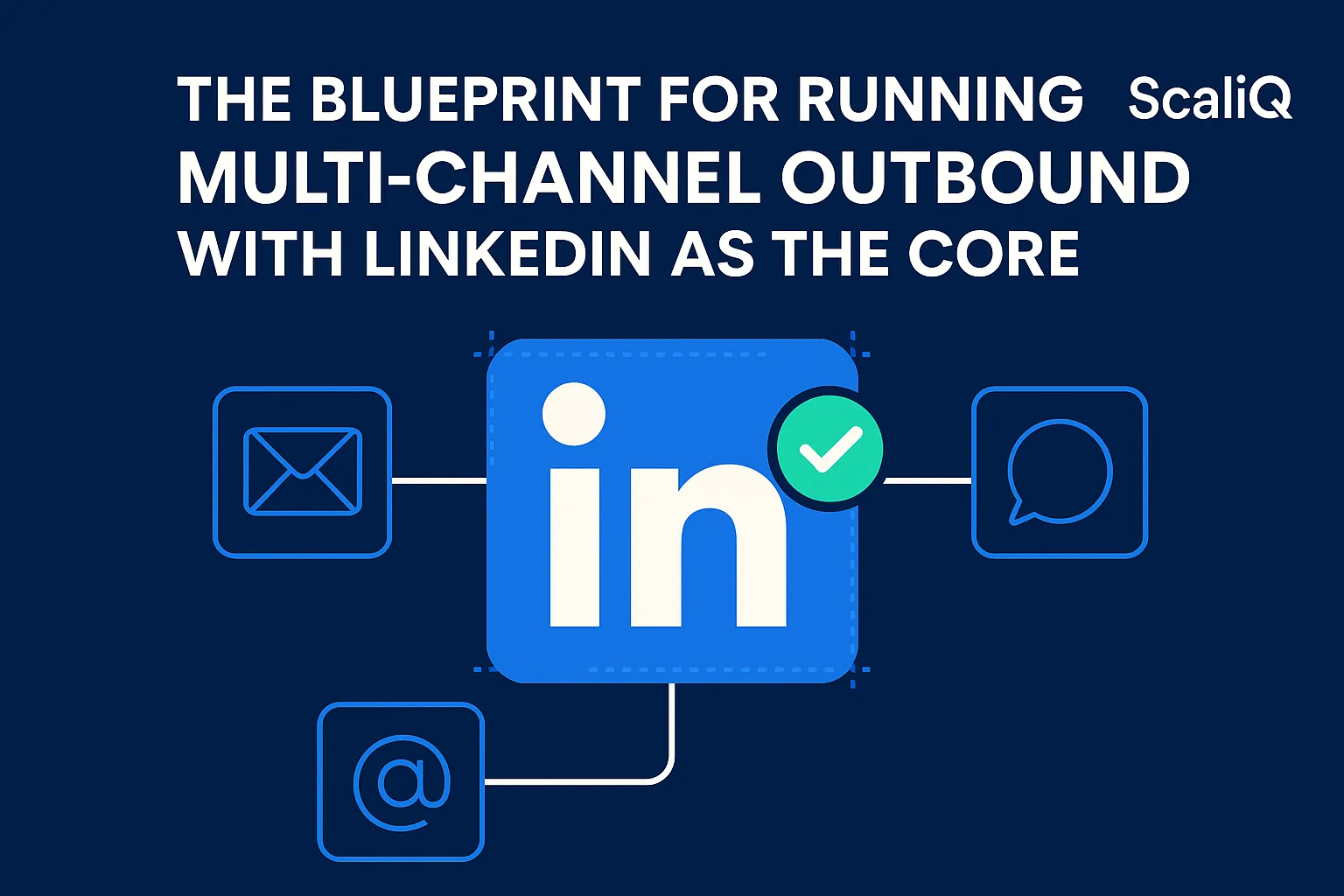
This guide provides a systems-engineering blueprint for linkedin multichannel outbound. We will move beyond basic "tips and tricks" to discuss architecture, sequencing logic, tooling strategy, and scaling frameworks. We will show you how to build an engine where LinkedIn acts as the core identity resolver, driving high-trust engagement across every touchpoint.
Drawing from ScaliQ’s experience architecting outbound systems for over 10,000 users, this blueprint is designed for teams ready to graduate from simple automation to sophisticated, identity-anchored orchestration.
Why LinkedIn Should Anchor Your Multichannel Outbound System
For years, sales teams treated LinkedIn as a secondary channel—a place to nudge a prospect if they didn't reply to an email. In 2026, that hierarchy has flipped. Identity-rooted channels now vastly outperform email-first sequencing because they solve the fundamental problem of modern sales: trust.
LinkedIn operates as a verified identity graph. When a prospect receives a message on LinkedIn, they can immediately verify the sender's face, history, connections, and credibility. Email, by contrast, is an unverified protocol where trust must be earned from zero with every send. By anchoring your linkedin outreach system in identity, you leverage the "mere exposure effect" and social proof before you ever ask for a meeting.
In a robust omnichannel sequence, LinkedIn serves three specific architectural functions:
1. First Touch / Warmup: It establishes a human face before an email lands in the inbox.
2. Identity Resolver: It confirms the prospect is active, relevant, and matches your ICP (Ideal Customer Profile).
3. Behavioral Signal Source: Unlike email opens (which are often false positives due to privacy scanners), a LinkedIn profile view or connection acceptance is a high-fidelity signal of intent.
While many competitors push email-centric frameworks that treat social channels as afterthoughts, the most successful revenue teams build their entire data model around the LinkedIn profile URL as the primary key.
The Identity Advantage: Verified, Persistent, and Behavior‑Rich
The core advantage of a linkedin multichannel outbound approach is identity persistence. In email databases, contacts decay rapidly—people change jobs, domains expire, and aliases shift. On LinkedIn, the user updates their own data. The profile remains constant even when the employment node changes.
This persistence reduces "identity collisions"—where you email a prospect at their old job while connecting with them at their new one—and drastically increases trust. Furthermore, the behavioral data available is richer. A linkedin outreach system can detect "soft" signals that email cannot, such as a prospect viewing your profile or liking a relevant post.
According to the Digital Worker Identity Playbook (IDManagement.gov), maintaining a consistent, verifiable digital identity is critical for establishing trust in digital transactions. Applying these identity-integrity principles to outbound means your outreach is no longer perceived as anonymous noise, but as a verified communication from a known entity.
The LinkedIn Algorithm’s Influence on Visibility
To succeed, you must engineer your workflow around the LinkedIn algorithm. The platform rewards consistency, strong connection graphs, and "dwell time" (engagement in the feed and inbox). It penalizes rapid-fire, low-quality activity.
Advanced teams design their linkedin prospecting workflows to mimic natural human behavior. This means pacing connection requests, engaging with content before pitching, and ensuring a high acceptance rate. If your acceptance rate drops below a certain threshold (often around 20-30%), the algorithm restricts your visibility. Therefore, your multichannel system must be smart enough to pause activity on profiles that show low engagement, protecting your account's reputation just as you would protect an email domain.
Solving Identity, Data, and Deliverability Challenges
The biggest barrier to effective omnichannel outbound is fragmentation. You have data in your CRM, activity in your sales engagement platform, and a separate set of actions happening on LinkedIn. This leads to misaligned contact records and, crucially, poor email deliverability because your emails lack the "warmth" of a recognized sender.
Identity Resolution Across LinkedIn + Email
To solve this, you need a single source of truth. Identity resolution is the process of matching a prospect’s LinkedIn identity (Profile URL) with their corporate identity (Business Email) and ensuring they remain synced.
In a multichannel identity consistency model, the data flow looks like this:
1. Ingest: Prospect identified via LinkedIn URL.
2. Enrich: Email and phone data pulled based on the verified LinkedIn role.
3. Verify: Email validity checked against the current company domain.
4. Sync: Both identities mapped to one CRM record.
If this resolution fails, you risk "split-brain" sequencing, where you email a prospect who has already rejected you on LinkedIn. Referring back to the Digital Worker Identity Playbook (IDManagement.gov), establishing a unified identity framework is essential for security and accuracy. In outbound, it ensures that every message sent—regardless of channel—is contextually aware of the prospect's latest status.
Deliverability Fundamentals in a Multichannel System
Email deliverability is no longer just about technical setup; it is about engagement. However, the technical baseline must be perfect. Advanced outbound requires strict adherence to SPF, DKIM, and DMARC protocols.
More importantly, linkedin email automation strategies rely on "identity warming." When a prospect accepts your connection request on LinkedIn, they have technically "opted in" to your professional network. If you email them shortly after, and they recognize your name from the notification they just clicked, they are significantly less likely to mark you as spam.
The NIST guidelines on Making Email Trustworthy emphasize the importance of authenticated communication channels to prevent spoofing and build recipient confidence. By preceding an email with a verified LinkedIn interaction, you are leveraging a secondary "authentication" layer—social recognition—which signals to the prospect (and eventually the inbox provider via engagement) that this communication is legitimate.
Preventing Data Decay with Enrichment & Validation
Data decay is the silent killer of linkedin email sequencing. A prospect changes jobs, and suddenly your "personalized" email referencing their old company looks incompetent.
Modern systems use real-time enrichment triggers. Before a sequence step executes, the system should re-verify the data. Is the LinkedIn profile still at the same company? Is the email still valid? If the data has decayed, the prospect should be routed to a "refresh" queue, not messaged.
Designing High‑Performance LinkedIn + Email Sequences
A high-performance sequence is not a linear set of templates; it is a dynamic decision tree. It adapts based on how the prospect interacts with your linkedin email sequencing efforts.
Sequence Structure: LinkedIn First, Email Second
The ideal architecture for a linkedin email automation workflow typically spans 20–30 days with 6–10 touchpoints. The "LinkedIn Anchor" philosophy dictates that the first touch is almost always on LinkedIn.
Sample Architecture:
• Day 1 (LinkedIn): View Profile + Clean Connection Request (No pitch).
• Day 2 (LinkedIn): If accepted -> Send "Thanks for connecting" soft touch. If not -> Wait.
• Day 4 (Email): "Contextual Bridge" email referencing the LinkedIn connection (or the request).
• Day 7 (LinkedIn): Value-add InMail or Voice Note (if connected).
• Day 10 (Email): Bump email with a case study.
• Day 15 (LinkedIn): Engagement (Like/Comment on their post).
This structure ensures that the email channel borrows trust from the LinkedIn channel.
Behavior‑Driven Routing Logic
Static sequences fail because they ignore reality. Advanced automated linkedin workflows use "If/Then" logic based on signals:
• Trigger: Prospect views your profile., Action: Move to "High Intent" sequence; send InMail immediately.
• Trigger: Connection request ignored for 14 days., Action: Withdraw request; route to "Email Only" cold sequence.
• Trigger: Email bounces., Action: Task created to verify employment on LinkedIn; pause sequence.
This logic ensures you never annoy a prospect who is ignoring you, and you never miss a prospect who is signaling interest.
Personalization Layers and Dynamic Messaging
AI-personalized messaging has moved beyond "Hey ". Your linkedin outreach system should layer personalization:
1. Identity Layer: Name, Role, Company (Standard).
2. Context Layer: "I saw we both follow [Influencer]" or "Noticed you're hiring for [Role]."
3. Visual Layer: Personalized images or videos referencing their website.
By integrating enriched data into the sequence, you ensure that the message feels crafted for the individual, even if it is part of an automated workflow.
Tooling, Orchestration, and System Architecture for Advanced Teams
To execute this, you need a stack that supports omnichannel outbound setup. A single tool rarely does it all perfectly, so orchestration is key.
Identity‑Anchored System Architecture Blueprint
An advanced linkedIn multichannel outbound stack consists of five distinct layers:
1. Data Source: (e.g., Sales Navigator, Apollo) – The raw fuel.
2. Enrichment & Waterfall: (e.g., Clay, Datagma) – Verifying emails and phones.
3. Orchestration Core: The "Brain" that holds the logic and manages the identity graph.
4. Execution Nodes: The tools that actually send the message (Email sender, LinkedIn automation bot).
5. Analytics Layer: Attribution and feedback.
In this architecture, data flows from LinkedIn (Source) -> Orchestrator -> Enrichment -> Execution. The Orchestrator prevents collisions by checking the status of the prospect across all nodes before authorizing a step.
Cross‑Channel Orchestration & Workflow Automation
Orchestration is different from simple automation. Automation sends a message. Orchestration decides if a message should be sent, when, and on which channel.
For example, linkedin automation systems must handle rate limits. If you hit your daily cap of 20 connection requests, the orchestrator should hold the remaining tasks in a queue or reroute urgent prospects to email. It also manages "Anti-Fatigue," ensuring you don't send a LinkedIn DM and an email within the same hour, which looks desperate.
Integrations: Clay, Apollo, Lemlist & Others
• Clay: Excellent for the "Enrichment" layer. It can scrape data and normalize it but doesn't send LinkedIn messages natively at scale.
• Apollo: A massive database and email sequencer, but its apollo sequencing often lacks the nuanced, safety-first approach required for high-volume LinkedIn automation.
• Lemlist: Great for lemlist linkedin email steps and visual personalization, but often requires third-party tools to handle the complex LinkedIn routing logic safely.
The gap in the market is the "Identity Anchor"—a system that unifies these fragmented tools. That is why purpose-built orchestration is necessary to bind a Clay workflow to a Lemlist campaign via a LinkedIn identity graph.
How to Scale Without Channel Fatigue or Identity Collisions
Scaling advanced linkedin outreach systems is an engineering challenge. If you push too hard, you burn domains and get accounts restricted.
Rate Limits, Safety Models, and Load Balancing
You must respect the "Physics" of the platforms:
• LinkedIn: ~20-30 connection requests/day (varies by account health).
• Email: ~30-50 cold emails/day per inbox.
To scale, you do not push one account harder; you add more accounts (Load Balancing). A team of 5 SDRs can safely send 150 connection requests and 250 emails daily. To double that, you don't double the volume per SDR; you improve the targeting or add "sender identities" (if compliant).
Collision Prevention and Multichannel Synchronization
Multichannel identity consistency fails when two SDRs target the same company without knowing it. Your system needs "Account-Based Collision Detection." If SDR A is prospecting the CTO, SDR B should be blocked from prospecting the CEO of the same company unless the strategy explicitly calls for a multi-threaded approach.
Synchronization ensures that if the CTO replies to SDR A via email, the LinkedIn automation targeting the CTO stops immediately.
Monitoring, Attribution, and Feedback Loops
Finally, you need multichannel prospecting analytics. You shouldn't just track "Open Rate." You must track "Conversation Rate per Channel."
• Does the LinkedIn -> Email path yield more meetings than Email -> LinkedIn?
• What is the "Time to Reply" for prospects who accepted a connection request?
This feedback loop allows you to tweak the architecture. If LinkedIn acceptance rates drop, you tighten the targeting. If email reply rates drop, you increase the LinkedIn warmup period.
Conclusion
The future of outbound is not about choosing between LinkedIn or email; it is about unifying them into a coherent, identity-aware system. By using LinkedIn as the "Anchor"—the source of truth for identity and intent—you solve the trust crisis that plagues email-only outreach.
A linkedin multichannel outbound strategy requires more than just tools; it requires a systems-engineering mindset. You must architect for data integrity, respect platform limits, and prioritize the prospect's experience of your brand.
ScaliQ provides the infrastructure to make this transition seamless, moving you from fragmented tasks to orchestrated, high-performance workflows. Now is the time to stop sending emails into the void and start building relationships rooted in verified identity.
Learn more about ScaliQ and begin architecting your identity-driven outbound system today.