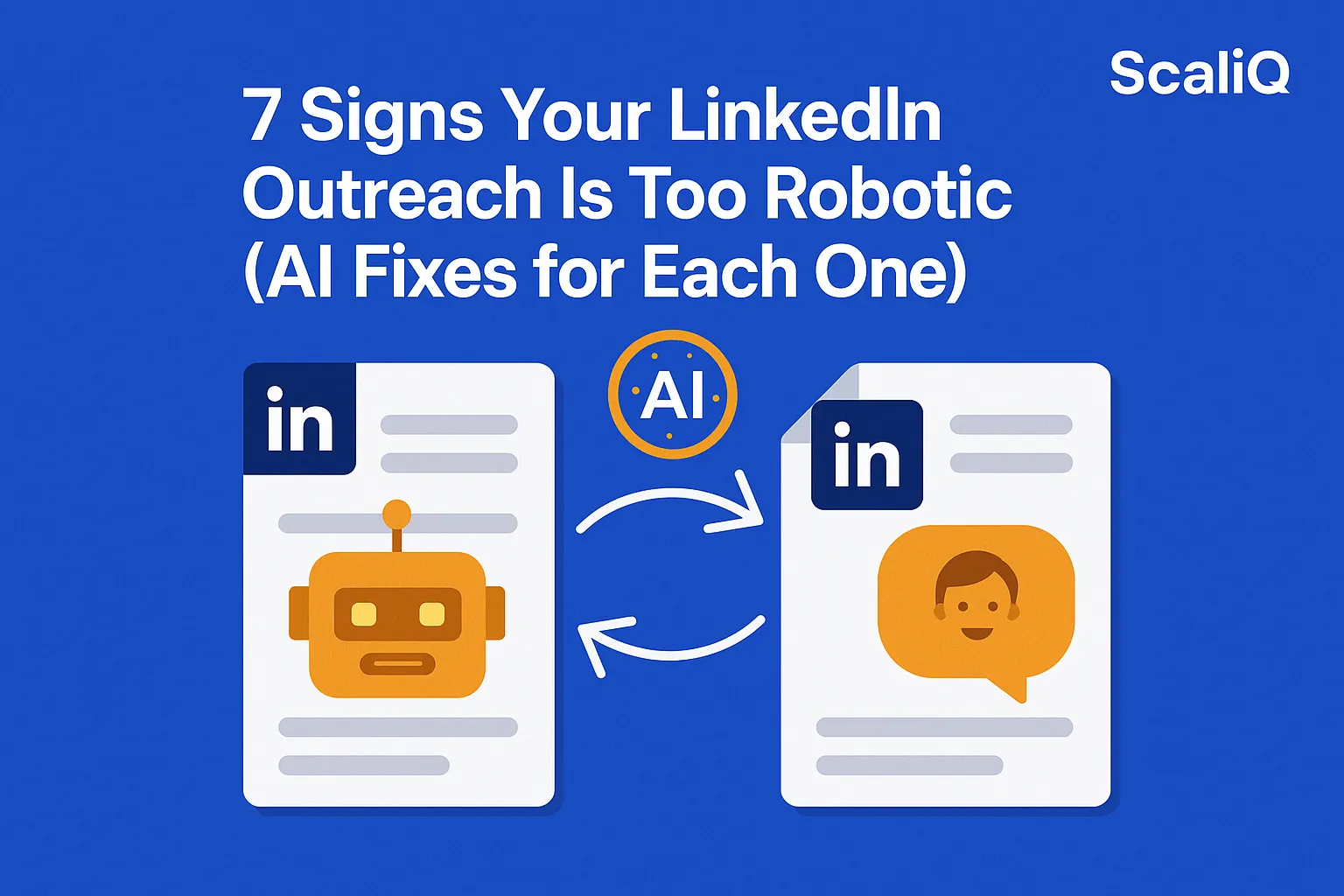
7 Signs Your LinkedIn Outreach Is Too Robotic (AI Fixes for Each One)
Most people don’t realize their LinkedIn messages sound automated—until the responses stop coming. You send fifty connection requests, personalize the names, and hit send, only to be met with silence. The problem isn’t usually your offer; it is the delivery.
When outreach feels robotic, prospects mentally categorize it as spam before they finish the first sentence. Robotic outreach kills engagement because it lacks the nuance, pacing, and warmth of genuine human interaction. Fortunately, the same technology that created this problem can also solve it. Modern AI tools can instantly humanize tone, correct pacing, and inject deep personalization into your campaigns.
In this guide, we will cover the 7 distinct signs that your messages sound artificial, why they destroy conversion rates, and the specific AI fixes you need to implement today. We will also explore how ScaliQ’s expertise in analyzing tone and structure can transform cold outreach into warm conversations.
Why LinkedIn Messages Sound Robotic
The primary reason LinkedIn messages sound robotic is the reliance on rigid templates and low-quality automation. When sales teams prioritize volume over quality, they often strip away the context that makes a message feel relevant.
Robotic messages are characterized by unnatural tone, over-formality, and a complete lack of context regarding the recipient's actual challenges. This approach triggers immediate skepticism. Decision-makers are inundated with pitches; they have developed a "mental spam filter" that blocks out anything that looks like a mass broadcast.
The consequences go beyond ignored messages. Platforms like LinkedIn are increasingly penalizing accounts that exhibit spam-like behavior, such as low response rates or high rejection rates. To maintain account health and reputation, outreach must align with NIST trustworthy AI guidelines, which emphasize validity and reliability in automated systems. If your outreach feels fake, it isn't just ineffective—it is a liability.
Key Traits of Natural, Human-Like Outreach
To fix robotic messaging, we must first define what "human-like" actually means in a digital context. It is not just about using slang or emojis; it is about conversational pacing, specificity, and relevance.
According to hyperpersonal communication theory, computer-mediated communication can actually surpass face-to-face interaction in intimacy if the sender optimizes their self-presentation and message structure. Effective, natural outreach shares these traits:
• Conversational Pacing: Humans don't write walls of text. They use sentence fragments, varying lengths, and visual breathing room.
• Specificity: A human message references specific details (a recent post, a shared connection, a company milestone) that a basic bot would miss.
• Warmth: Natural messages use polite but relaxed language, avoiding the stiff "corporate speak" often found in templates.
• Contextual Hooks: The reason for reaching out is tied directly to the recipient's current reality, not just the sender's sales quota.
Most outreach tools focus on volume—sending as many invites as possible. This leaves a gap where tone quality suffers. To bridge this, you need a checklist of human-sounding traits that prioritizes connection over transaction.
The 7 Signs Your LinkedIn Outreach Is Too Robotic (And AI Fixes)
If your response rates are flatlining, your copy likely suffers from one of these seven common issues. Here is how to identify them and how to use ai linkedin improvement strategies to fix them.
Sign #1 — Your Message Looks Like a Template
The most obvious sign of automation is the visual structure of a template. It usually follows a rigid formula: "Hi [Name], I see you work at [Company]. We do [Service]. Let's chat."
This visual pattern is instantly recognizable. It tells the prospect you haven't looked at their profile; you have just scraped a list.
The AI Fix: Use AI for linkedin outreach automation that supports micro-personalization. Instead of a static template, use AI to analyze the prospect's profile description or headline and generate a unique opening line that references a specific skill or achievement. This breaks the visual pattern of a bulk message.
Sign #2 — Overly Formal or Stiff Language
"I trust this missive finds you well," or "I am writing to inquire regarding..." are phrases rarely used in modern peer-to-peer business chats. Over-formality is a hallmark of legacy AI models and bad templates. It creates distance rather than building rapport.
The AI Fix: Utilize ai tools to improve linkedin message tone. Configure your AI writing assistant with a "Casual Professional" prompt. Instruct the AI to rewrite the message as if it were a text to a colleague, replacing "inquire" with "ask" and "utilize" with "use."
Sign #3 — Too Much “I” and Not Enough “You”
Robotic messages are self-centered. They list features, awards, and requests without acknowledging the recipient's needs. If the first three sentences start with "I" or "We," you have lost the reader.
The AI Fix: Flip the structure to value-first messaging. Use AI to scan your draft and highlight "I/We" frequency. Then, prompt the AI to rewrite the content to focus on the prospect's pain points. This shift helps improve linkedin response rate by making the message about their success, not yours.
Sign #4 — Zero Context About the Prospect
A robotic message sends a generic pitch to a CFO that is identical to the one sent to a CTO. It lacks context about their specific role, industry trends, or recent news.
The AI Fix: Implement linkedin message personalization at scale by using AI to ingest recent data. Tools can now read a prospect’s last three LinkedIn posts or company news and insert a relevant "hook" sentence. For example: "Saw your post about the Q3 supply chain shifts—totally agree with your point on logistics."
Sign #5 — Unnatural Phrasing or Strange Word Choices
AI models, especially older ones, love words like "delve," "unlock," "synergy," and "landscape." These are dead giveaways that a human didn't write the text. Humans rarely say, "Let's delve into the synergy of our landscape."
The AI Fix: Focus on ai linkedin improvement through Natural Language Processing (NLP) smoothing. Use an AI editor trained to flag and replace "GPT-isms" with simpler, punchier vocabulary. If a word wouldn't be spoken in a coffee shop meeting, cut it.
Sign #6 — Long Paragraphs With No Pacing
Robots don't get tired of reading; humans do. A massive block of text (6+ lines) signals a high cognitive load. Prospects will skip it. Humans naturally break thoughts into digestible chunks.
The AI Fix: Use AI for linkedin message optimization regarding format. Prompt your tool to "break this text into lines no longer than 12 words" or "ensure ample whitespace." Visual pacing is a subtle human cue that makes messages readable on mobile devices.
Sign #7 — No Clear Conversation Starter
Robotic messages often end with a hard sell ("Book a demo here") or a vague nothing ("Thoughts?"). They fail to bridge the gap between reading and replying.
The AI Fix: Avoid linkedin outreach mistakes by generating low-pressure, natural prompts. Use AI to generate "Interest-Based CTAs" (Calls to Action). Instead of asking for a meeting, ask a question: "Is this a priority for your team right now?" or "Open to sending a short video to explain?"
Before-and-After Examples of Tone and Structure Fixes
To truly understand how to fix robotic linkedin messages, we need to look at concrete examples. These rewrites demonstrate how ai rewrite linkedin messages workflows function in practice.
Example 1: The Pitch
• Robotic: "Hello Mark, We help companies streamline data. I would like to schedule 15 minutes to show you our platform."
• Human-Like: "Hi Mark, noticed you're scaling the data team at [Company]. Usually, that brings integration headaches. We built a tool to simplify that transition—worth a peek, or are you all set?"
• Analysis: The rewrite removes the "I would like" demand and replaces it with context and a low-friction question.
Example 2: The Follow-Up
• Robotic: "I am bubbling this to the top of your inbox. Did you see my last email?"
• Human-Like: "Hey Sarah, didn't want to over-email, but I'm still thinking about that compliance issue you mentioned in your article. Any thoughts on the solution I sent over?"
• Analysis: The robotic version is a cliché. The human version references specific content (her article) and respects her time.
These improvements align with Joseph Walther communication research, which suggests that cues of relational affection and naturalness significantly impact how digital messages are received.
For even deeper engagement, you can combine text with multimedia. Tools like Repliq allow you to generate personalized videos or images at scale, which pairs perfectly with human-sounding text to further prove you aren't a bot.
AI Techniques to Personalize LinkedIn Messages at Scale
Achieving ai linkedin improvement isn't about manually rewriting thousands of messages. It requires a strategic blend of automation and psychology.
1. Tone Analysis: Advanced AI tools can analyze your past successful messages to learn your specific "voice," ensuring new drafts sound like you, not a generic assistant.
2. Pacing and Structure: AI can automatically format text for mobile readability, ensuring no paragraph exceeds two sentences.
3. Micro-Personalization Workflows: By connecting data sources (news, profiles, intent data) to your LLM, you can generate unique sentences for every prospect.
A recent AI personalization study highlights that while AI can generate content, the highest engagement comes from "hybrid" strategies where AI handles the data processing and drafting, but the parameters are strictly set to mimic human conversational norms.
How ScaliQ Enhances Message Quality Automatically
Most tools help you send more messages. ScaliQ helps you send better ones.
ScaliQ differentiates itself by focusing specifically on the quality of the outreach—analyzing tone, pacing, and structure to eliminate robotic signals before you hit send.
The ScaliQ Workflow:
1. Input: You provide your core value proposition and target audience.
2. Analysis: ScaliQ’s engine evaluates your draft against millions of successful interactions, flagging robotic phrasing, stiff formalities, or selfish sentence structures.
3. Rewrite & Personalize: The system automatically restructures the message to sound conversational and injects relevant data points for personalized linkedin messaging.
This fills the critical gap that competitors miss: reducing the "bot-like" feel that triggers spam filters.
Conclusion
The difference between a deleted message and a booked meeting often comes down to tone. If your LinkedIn outreach sounds robotic, you are not just losing a lead; you are damaging your brand's reputation.
By identifying the 7 signs of robotic messaging—from template fatigue to unnatural phrasing—and applying targeted AI fixes, you can drastically improve your engagement. Robotic linkedin messages are a choice, not a necessity. With the right tools, you can scale your outreach while keeping it deeply human.
Ready to stop sounding like a bot? Try ScaliQ to automate tone and personalization improvements that actually convert.